Next.js serverless PWA with TypeScript + GraphQL (Postgraphile, Apollo) and Postgres SQL boilerplate
Note: this is a new version using Postgraphile. See branch old-graphql-server if you want the old version.
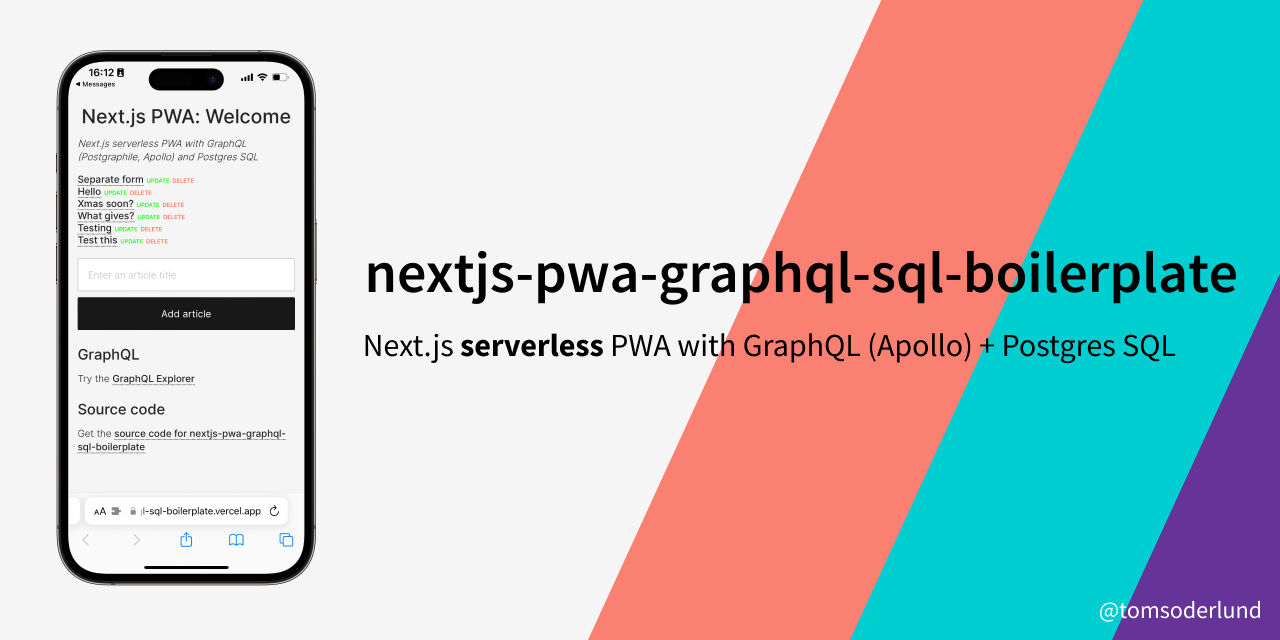
Note: this is my v3 boilerplate for React web apps. See also my Firebase and React Hooks boilerplate, Redux + REST + Postgres SQL boilerplate and REST + MongoDB boilerplate.
This is a great template for a any project where you want React (with Hooks) (with server-side rendering, powered by Next.js) as frontend and GraphQL and Postgres SQL as backend.
Lightning fast, all JavaScript.
- Great starting point for a PWA (Progressive Web App).
- Data objects defined in Postgres database, and then propagated all the way to React frontend (with full TypeScript support).
- Both front-end client and GraphQL/SQL server in one project.
- Can be deployed as serverless functions on Vercel.
- A fast Postgres SQL database server.
- GraphQL API with Apollo.
- React Hooks for business logic.
- PWA features such as
manifest.json and offline support (next-offline).
- Easy to style the visual theme using CSS (e.g. using Design Profile Generator).
sitemap.xml and robots.txt support.- Google Analytics and
google-site-verification support (see config/config.js).
- Flexible configuration with
config/config.js and .env file.
- Unit testing with Jasmine (
yarn unit).
- Code linting and formatting with StandardJS (
yarn lint/yarn fix).
See nextjs-pwa-graphql-sql-boilerplate running on Vercel here.
Clone this repository:
git clone https://github.com/tomsoderlund/nextjs-pwa-graphql-sql-boilerplate.git [MY_APP]
Remove the .git folder since you want to create a new repository
Install dependencies:
Set up Postgres database, either:
-
Get a cloud Postgres database from Vercel, AWS or similar.
-
Local Postgres: Install Postgres and set up the database:
psql postgres  # Start the Postgres command-line client

CREATE DATABASE "nextjs-pwa-graphql-sql";  -- You can also use \connect to connect to existing database
\connect "nextjs-pwa-graphql-sql";
CREATE TABLE article (id serial, title varchar(200), content text);  -- Create a blank table
INSERT INTO article (title) VALUES ('The first article');  -- Add example data
SELECT * FROM article;  -- Check data exists
\q
Create the .env file, then add DATABASE_URL:
cp .env.example .env.local
Start it by doing the following:
In production:
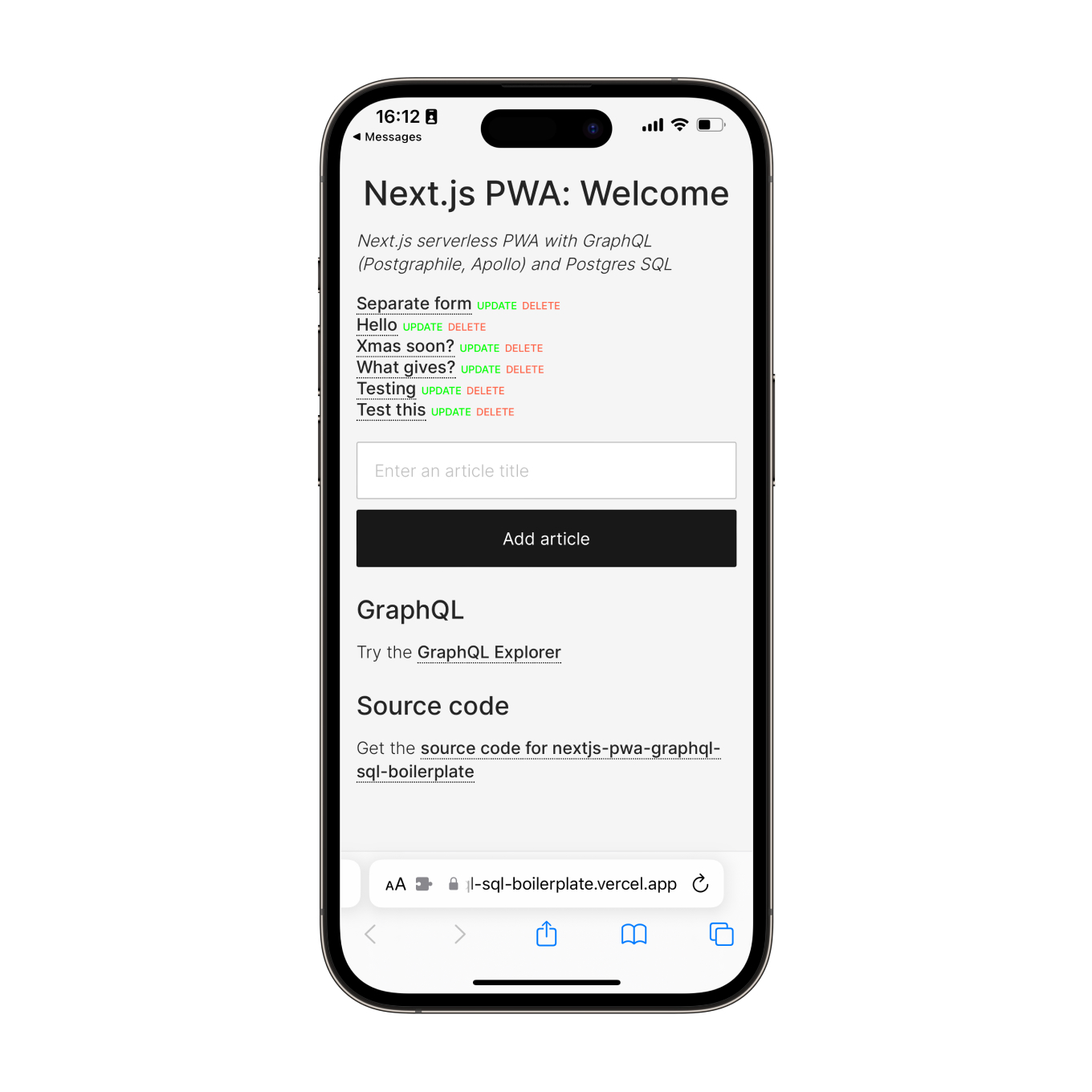
If you navigate to http://localhost:3003/ you will see a web page with a list of articles (or an empty list if you haven’t added one).
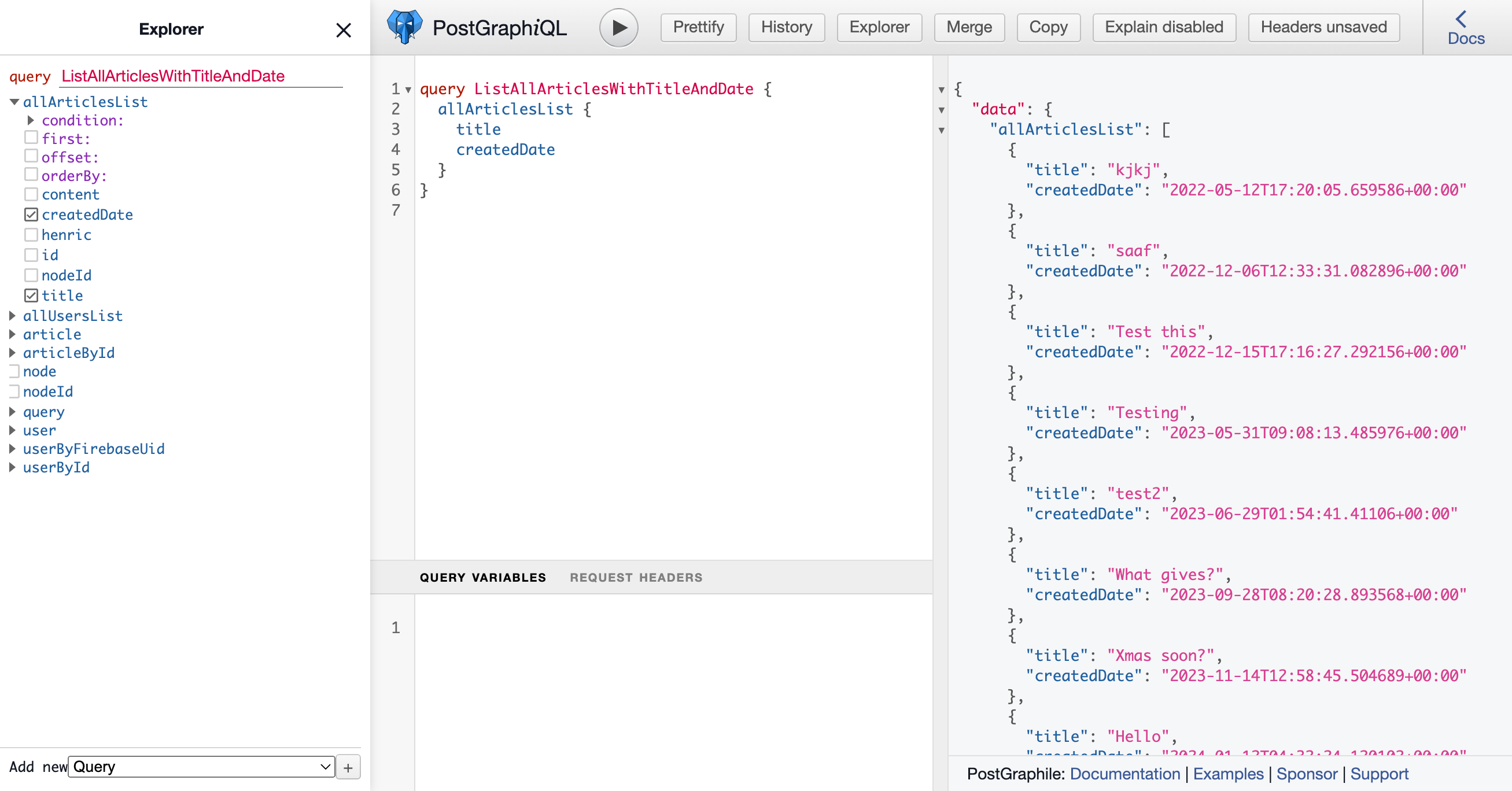
GraphQL client and server
Your GraphQL API server is running at http://localhost:3003/api/graphql.
Your GraphQL Explorer is running at http://localhost:3003/api/graphiql.
Try the GraphQL Explorer on the demo server.
Modifying the app to your needs
Do search/replace for "nextjs-pwa-graphql-sql-boilerplate" AND "nextjs-pwa-graphql-sql" to something else.
Change name in public/manifest.json
Do search/replace for 3003 to something else.
Renaming “Article” to something else
The database item is called “Article”, but you probably want something else in your app.
Rename the files:
mkdir graphql/collections/{newName}
git mv graphql/collections/article/hooks.ts graphql/collections/{newName}
git mv graphql/collections/article/queries.ts graphql/collections/{newName}
git mv graphql/collections/article/resolvers.ts graphql/collections/{newName}
git mv graphql/collections/article/schema.sql graphql/collections/{newName}
git mv graphql/collections/article/serverQueries.ts graphql/collections/{newName}
rm -r graphql/collections/article

mkdir -p components/{newName}s
git mv components/articles/CreateArticleForm.tsx components/{newName}s/Create{NewName}Form.tsx
git mv components/articles/ArticleList.tsx components/{newName}s/{NewName}List.tsx
git mv components/articles/ArticleListItem.tsx components/{newName}s/{NewName}ListItem.tsx
git mv components/articles/ArticleDetails.tsx components/{newName}s/{NewName}Details.tsx
rm -r components/articles

mkdir pages/{newName}s
git mv "pages/articles/[articleSlug].tsx" "pages/{newName}s/[{newName}Slug].tsx"
rm -r pages/articles
Then, do search/replace inside the files for different casing: article, Article, ARTICLE
Create a new data model/object type
yarn new:collection # Creates a new folder graphql/newObject with 4 empty JS files inside
How to remove/replace SQL database
- Remove references to
graphql/postgres
graphql/collections/article/resolvers.js: remove “sql*” references
Change visual theme (CSS)
- Change colors in
public/manifest.json
- Change CSS in
public/app.css
- Change font in
PageHead.js
Did you or your company find nextjs-pwa-graphql-sql-boilerplate useful? Please consider giving a small donation, it helps me spend more time on open-source projects: