react-native-dropdownalert





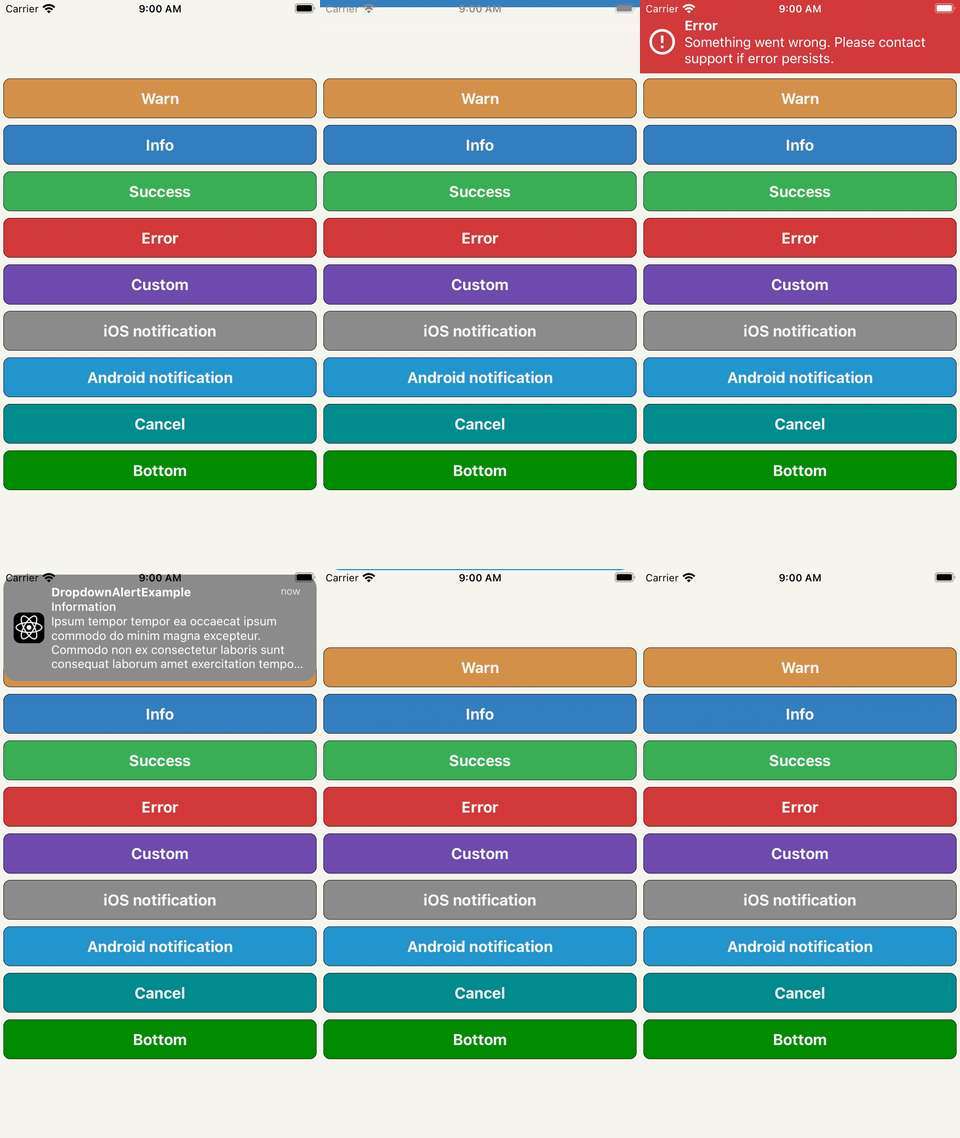
An alert to notify users about an error or something else. It can be dismissed by press, cancel, automatic, pan gesture or programmatic. It can be customized and/or you can build your own alert (BYOA) - see DropdownAlertProps on what's available.
yarn add react-native-dropdownalertnpm i react-native-dropdownalert --save
import the library
import DropdownAlert, {
  DropdownAlertData,
  DropdownAlertType,
} from 'react-native-dropdownalert';
create an alert promise function variable
let alert = (_data: DropdownAlertData) => new Promise<DropdownAlertData>(res => res);
add the component as the last component in the document tree so it overlaps other UI components and set alert prop with alert function
<DropdownAlert alert={func => (alert = func)} />invoke alert
const alertData = await alert({
  type: DropdownAlertType.Error,
  title: 'Error',
  message: 'Something went wrong.',
});
| react minium version |
react-native minium version |
package version |
reason |
| v16.8.0 |
v0.61.0 |
v5.0.0 |
use react hooks |
| v16.0.0 |
v0.50.0 |
v3.2.0 |
use SafeAreaView |
| v16.0.0-alpha.6 |
v0.44.0 |
v2.12.0 |
use ViewPropTypes |
Option 1 pass child component(s) like so:
<DropdownAlert>{/* insert child component(s) */}</DropdownAlert>Option 2 pass child component(s) like so:
<DropdownAlert children={/* insert child component(s) */} />Either way DropdownAlert will render these instead of the pre-defined child components when alert is invoked. Check out the iOS and Android notifications in example project.
- Modals can overlap `DropdownAlert`` if it is not inside the modal's document tree.
- It is important you place the
DropdownAlert below the StackNavigator.
Inspired by: RKDropdownAlert


