一覧へ戻る
pgplex/pgconsole(新しいタブで開きます)
主要言語: TypeScript
Minimal Postgres editor for speed, collaboration, and AI
- star 数
- 157
- watcher 数
- 2
- fork 数
- 12
- issue 数
- 2
- 最終更新
- 2026/10/30
 gem-hunter
主要言語: TypeScript
Minimal Postgres editor for speed, collaboration, and AI
Note
pgplex: The Postgres Toolchain for Humans and Agents - pgconsole · pgschema · pgtui · pgparser
Brought to you by Bytebase, open-source database governance platform.
|
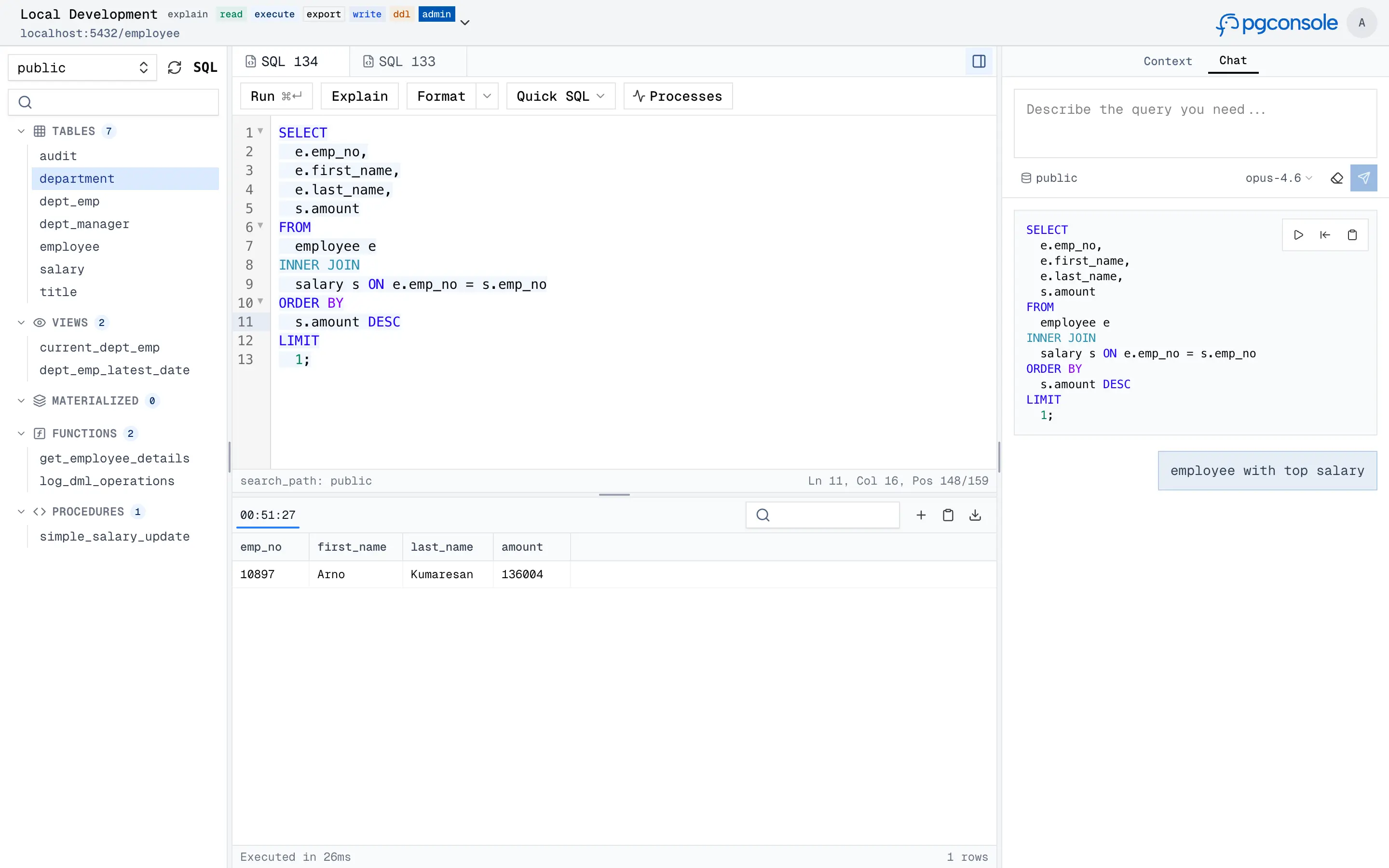
pgconsole is a web-based PostgreSQL editor. Single binary, single config file, no database required. Connect your team to PostgreSQL with access control and audit logging built in.
Visit https://docs.pgconsole.com/getting-started/quickstart
npm install -g @pgplex/pgconsole
pgconsole --config pgconsole.toml
npx @pgplex/pgconsole --config pgconsole.toml
docker run -p 9876:9876 -v /path/to/pgconsole.toml:/etc/pgconsole.toml pgplex/pgconsole
Run without --config to start in demo mode with a bundled sample database.
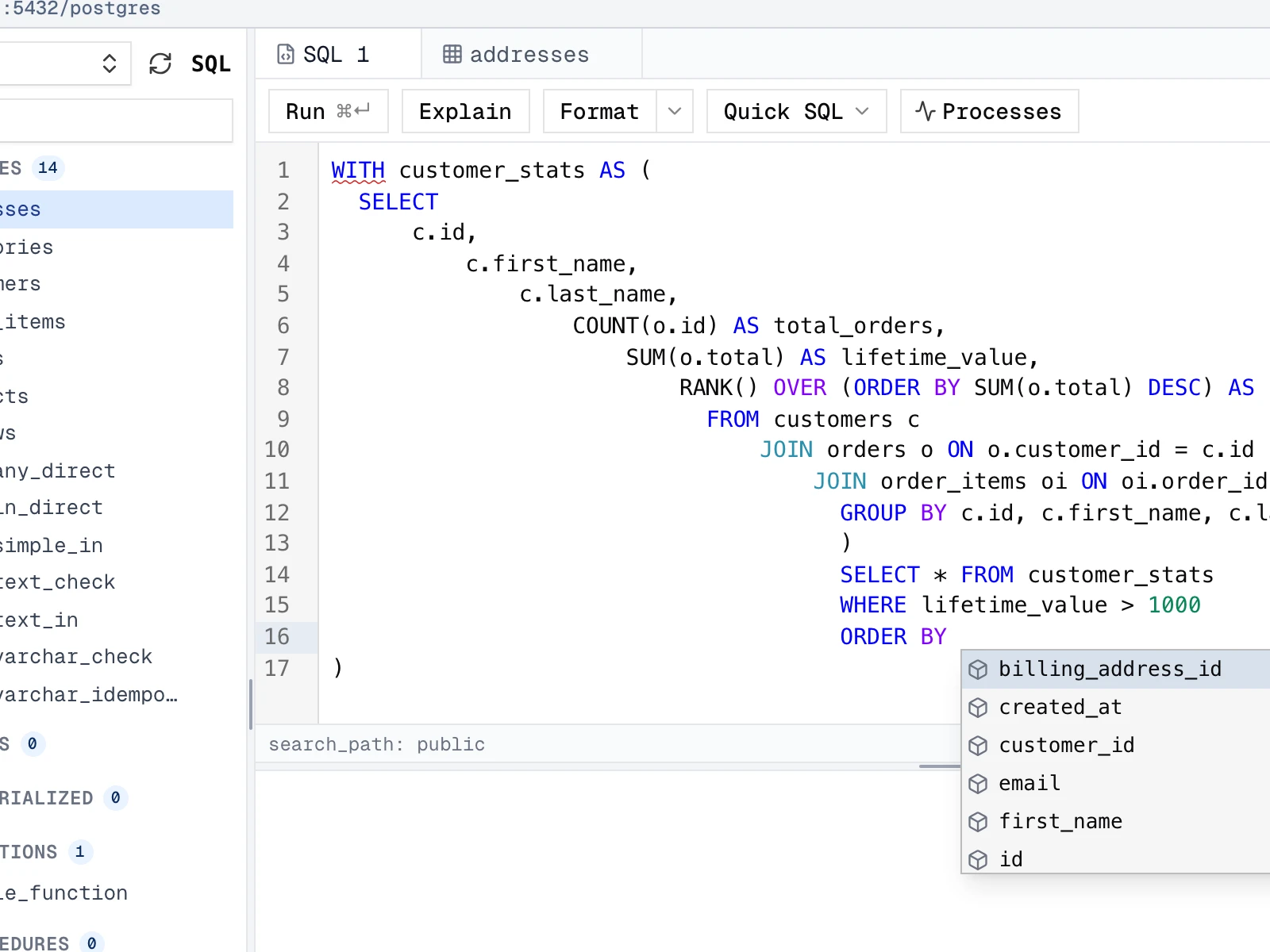
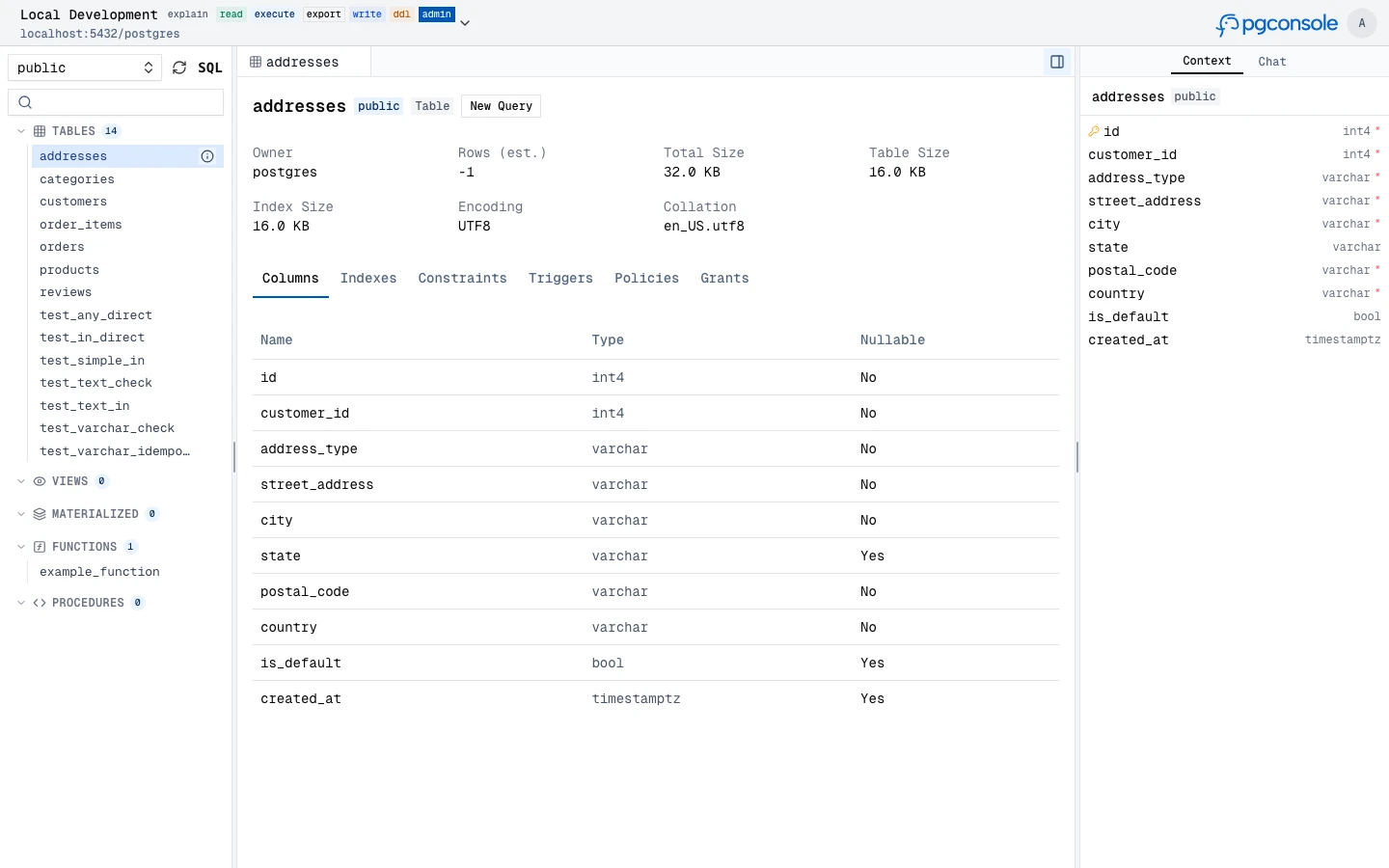
A full-featured SQL workspace for writing, running, editing, and inspecting PostgreSQL, with parser-powered intelligence in the editor.
SELECT, WITH, and other blocks
|

|
|
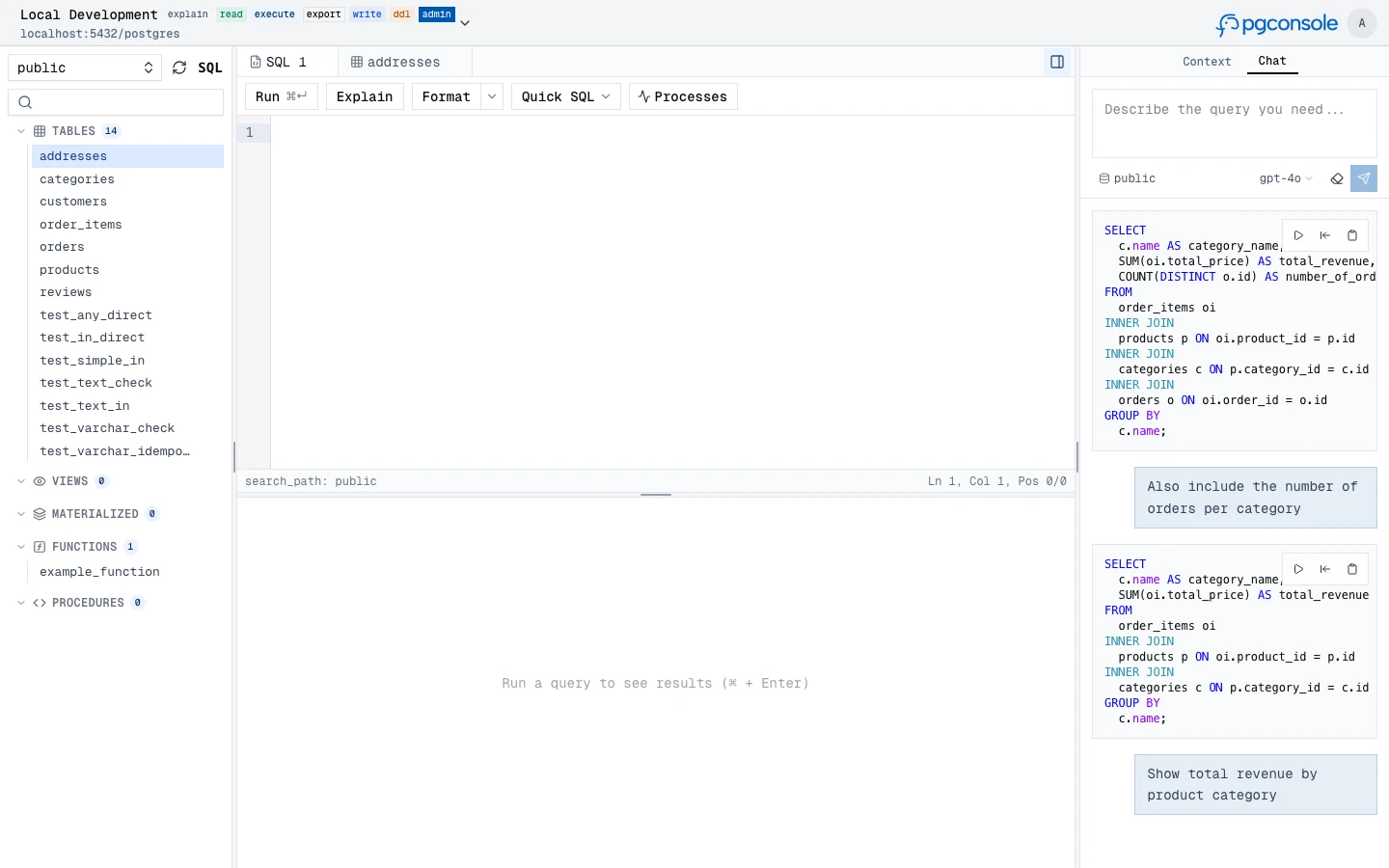
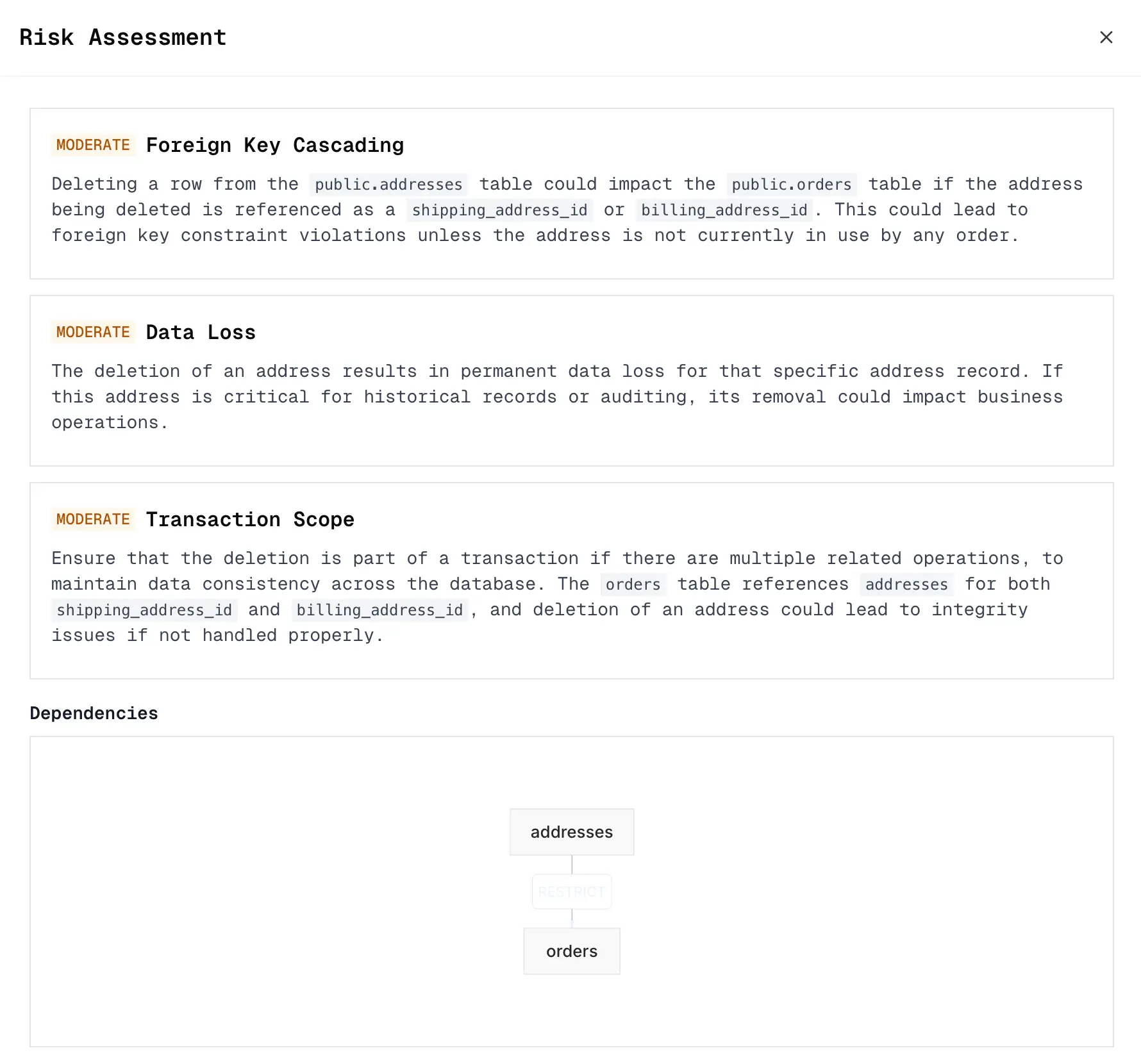
Generate, explain, fix, and rewrite SQL with an AI assistant that understands your schema context. Supports OpenAI, Anthropic, and Google providers.
|
|
Expose your Postgres connections to external AI agents (Claude, Cursor, IDEs, CI bots) over the Model Context Protocol — without handing out raw database credentials. Agents connect to a remote MCP endpoint and inherit the same IAM, permission, and audit controls as human users.
/mcp; each agent authenticates with Authorization: Bearer <token>agent:<id> IAM rules) or a delegated agent that acts on behalf of a user, optionally capped to fewer permissions or connectionslist_connections; catalog tools (list_objects, describe_table) appear once it has an accessible connection, and execution tools unlock per grant: explain_query (explain), query (read), write_data (write), run_ddl (ddl)# A standalone agent, authorized via [[iam]] just like a user [[agents]] id = "ci-bot" name = "CI Pipeline" token = "generate-a-long-random-secret" # openssl rand -hex 32 [[iam]] connection = "staging" permissions = ["read", "ddl"] members = ["agent:ci-bot"]
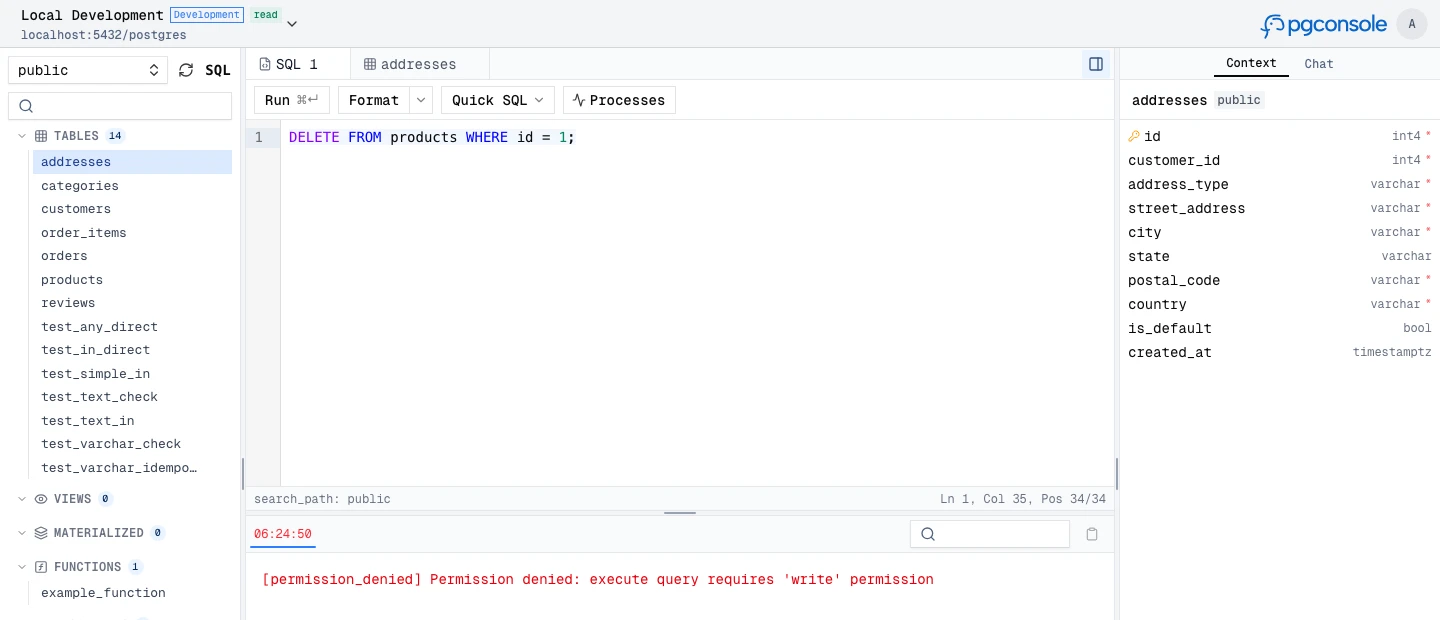
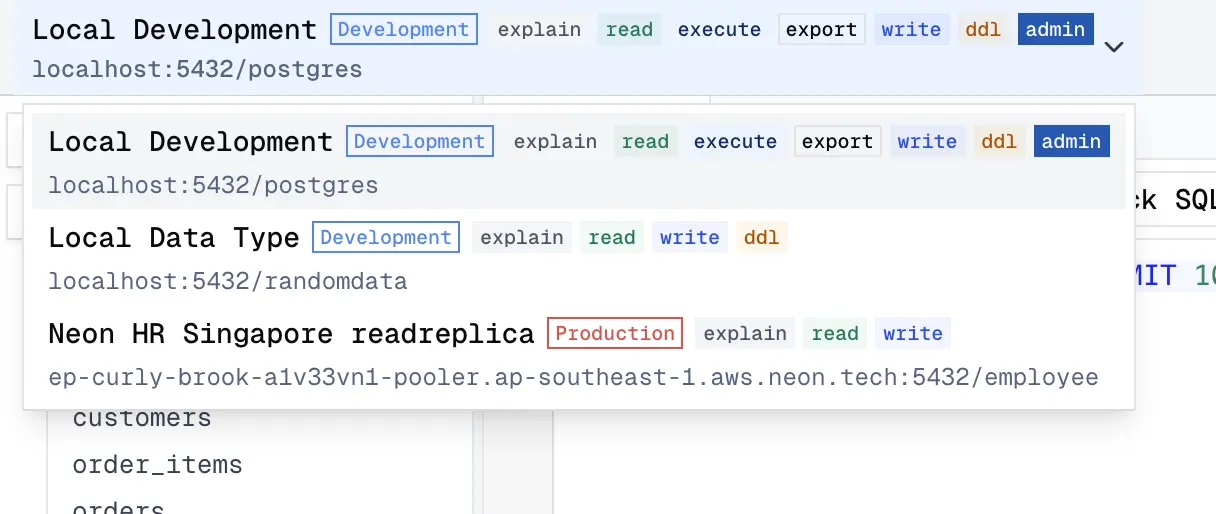
Fine-grained IAM controls who can read, write, or administer each connection. Permissions are enforced at the application layer — no database roles needed.
read, write, ddl, admin, explain, execute, export are independent
|
|
Every query and login is recorded as structured JSON to stdout. Filter and forward to your log infrastructure.
{
  "type": "audit",
  "ts": "2024-01-15T10:32:15.456Z",
  "action": "sql.execute",
  "actor": "alice@example.com",
  "connection": "prod-db",
  "sql": "SELECT * FROM users WHERE active = true",
  "duration_ms": 45,
  "row_count": 150
}Everything lives in pgconsole.toml — connections, users, groups, access rules, AI providers. No database required.
[[connections]]
id = "production"
name = "Production"
host = "db.example.com"
port = 5432
database = "myapp"
username = "readonly"
password = "..."

[[iam]]
connection = "production"
permissions = ["read", "explain", "export"]
members = ["*"]

[[iam]]
connection = "production"
permissions = ["*"]
members = ["group:dba"]

[[ai.providers]]
id = "claude"
vendor = "anthropic"
model = "claude-sonnet-4-20250514"
api_key = "sk-ant-..."
Note
For external contributors: If you want to request a feature, please create a GitHub issue to discuss first instead of creating a PR directly.
git clone https://github.com/pgplex/pgconsole.git
cd pgconsole
pnpm install
pnpm dev        # Start dev server (frontend + backend)
pnpm build      # Production build
pnpm test       # Run all tests
Bytebase - open source, web-based database DevSecOps platform.