Modern dashboard starter rebuilt on top of Vite, React 19, React Router 7, Redux Toolkit, Bootstrap 5, and TypeScript tooling.
React 19Vite 8React Router 7 data routerRedux Toolkit 2Bootstrap 5 + reactstrapRechartsVitest + Testing LibraryESLint 9 flat config
- Modern app shell with lazy routes and route guards
- Demo authentication flow backed by local session storage
- Demo posts module powered by Redux Toolkit slices
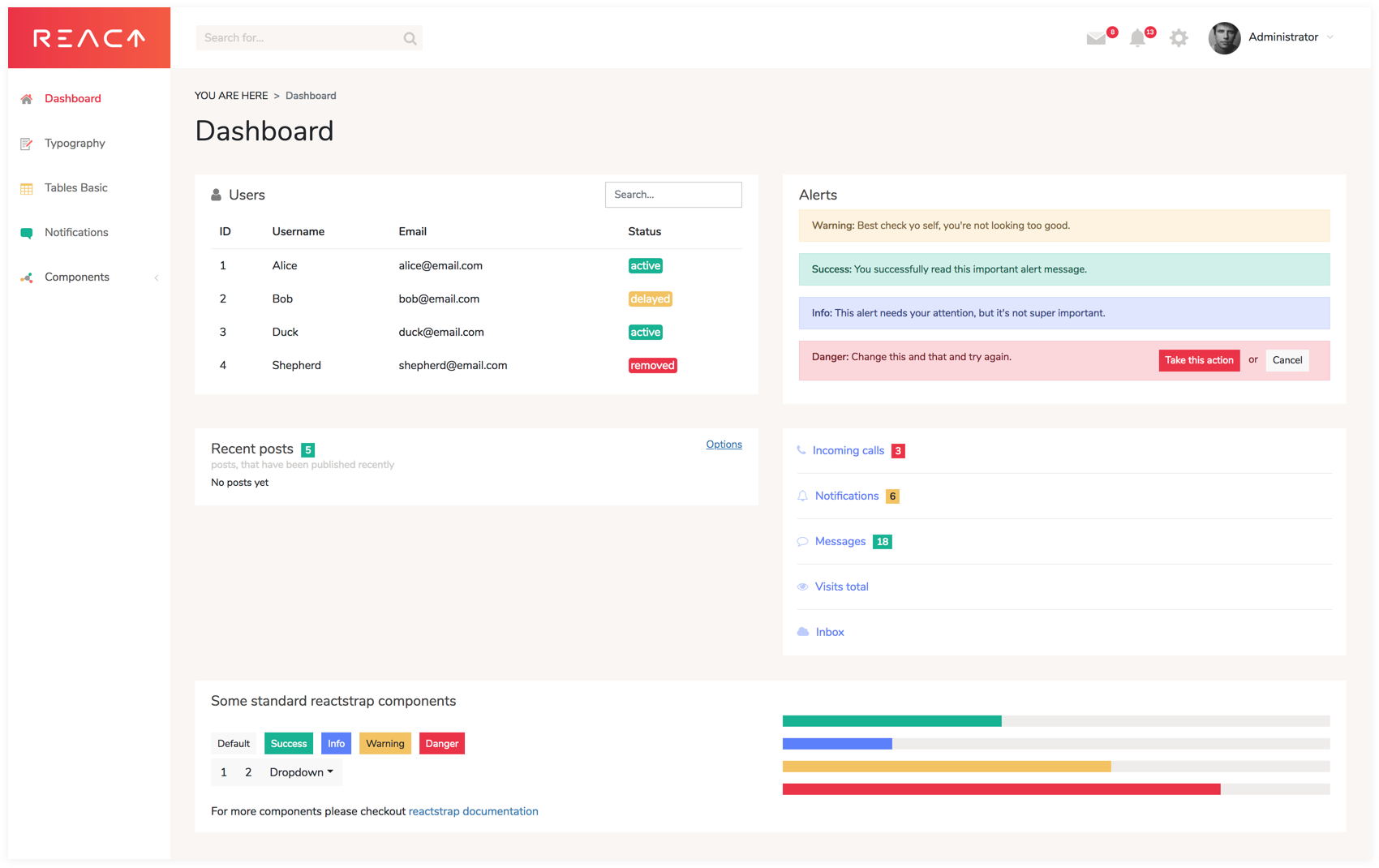
- Bootstrap icon explorer, dashboard widgets, charts, tables, notifications, and maps
- SCSS theme layer adapted to Bootstrap 5
The app starts with Vite and is available on the local URL printed in the terminal.
Use the built-in local demo account on the login screen:
npm run dev
npm run build
npm run preview
npm run lint
npm run typecheck
npm run test
npm run test:watch
npm run dev starts the Vite development server.npm run build runs TypeScript checks and creates the production bundle.npm run preview serves the built bundle locally after npm run build.npm run lint runs ESLint.npm run typecheck runs TypeScript without emitting files.npm run test runs the Vitest suite once.npm run test:watch starts Vitest in watch mode.
Create a local .env file only when you need one of these optional behaviors:
# optional: switch the maps page to Google Maps instead of the built-in OSM fallback
VITE_GOOGLE_MAPS_API_KEY=your_api_key

# optional: deploy the app under a sub-path, for example /react-dashboard/
VITE_BASE_PATH=/your-base-path/
- Without
VITE_GOOGLE_MAPS_API_KEY, the maps demo automatically falls back to an embedded OpenStreetMap view.
- Use
VITE_BASE_PATH only when the app is deployed under a sub-path instead of the site root.
- The legacy CRA, GraphQL demo backend, old Redux setup, and browser JWT/polyfill hacks were removed.
- The template keeps demo data local by default so it can run without a backend.
- The app root redirects to
/login for guests and to /app/main for active demo sessions.
- The active local workflow is
npm ci + npm run dev; there is no npm start script in this template.
- Use the committed
package-lock.json for reproducible dependency installs. The legacy yarn.lock has been removed.


