


React Native Modals Library for iOS & Android.
Just click on ⭐️ button 😘
Try it with Exponent
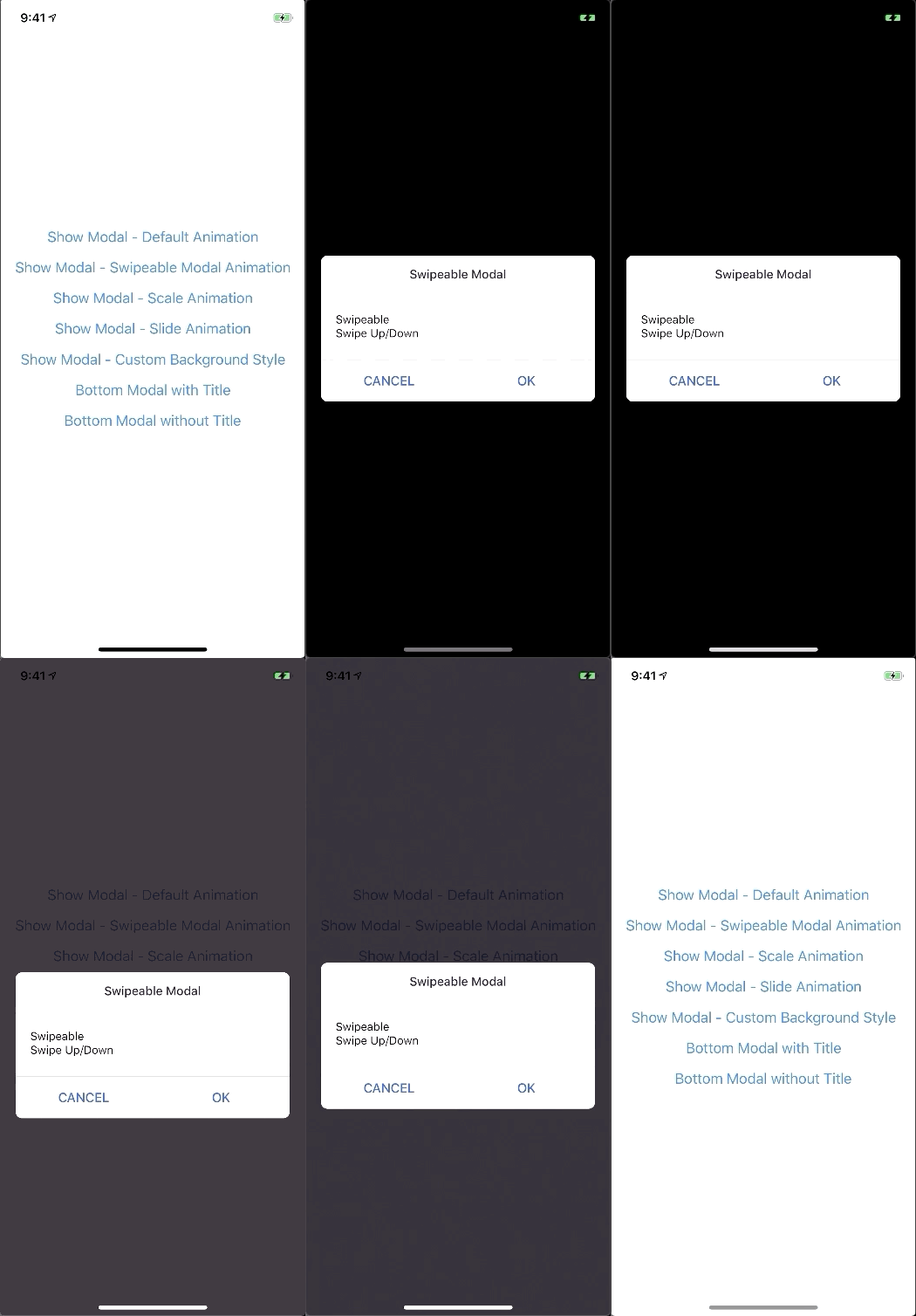
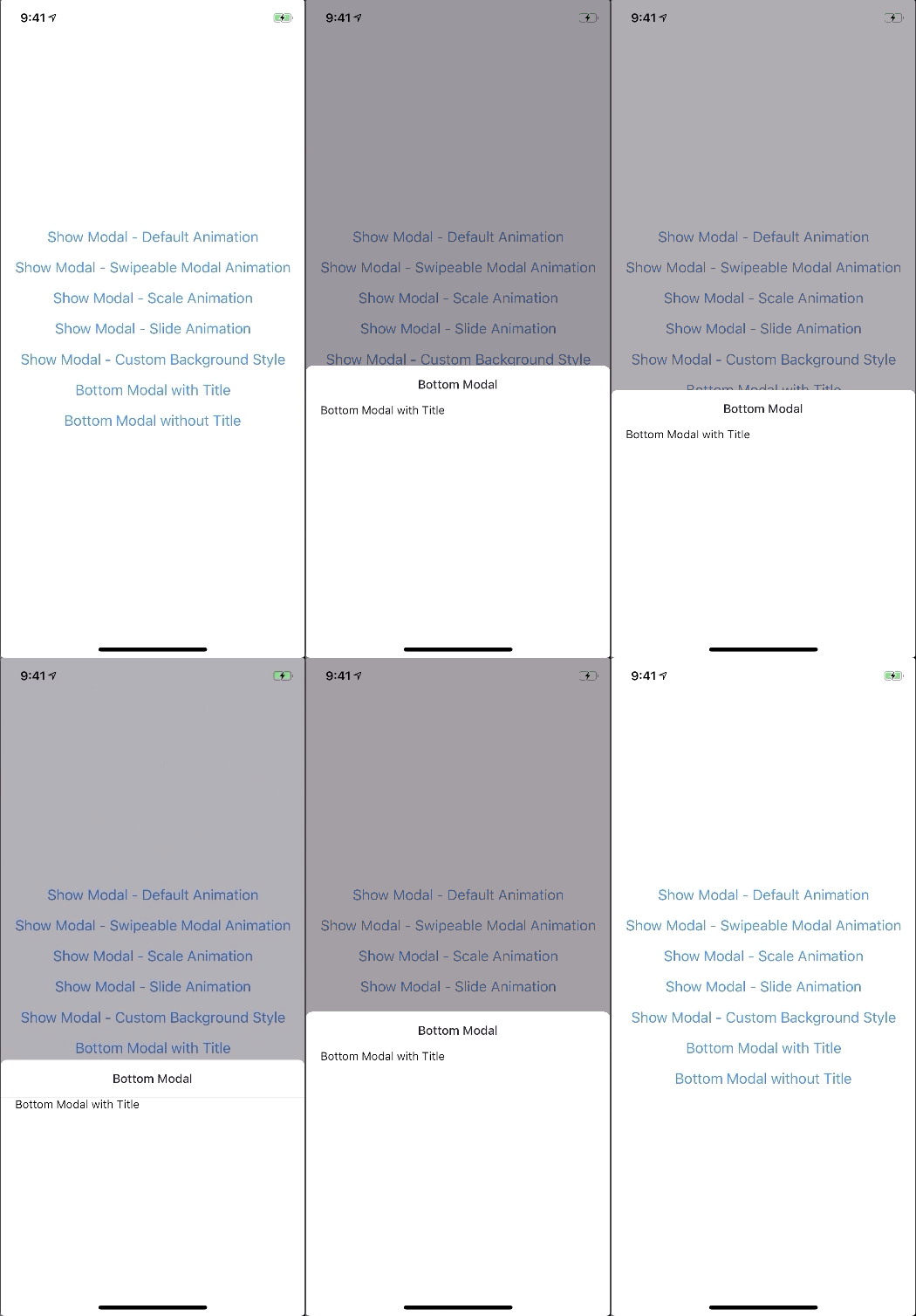
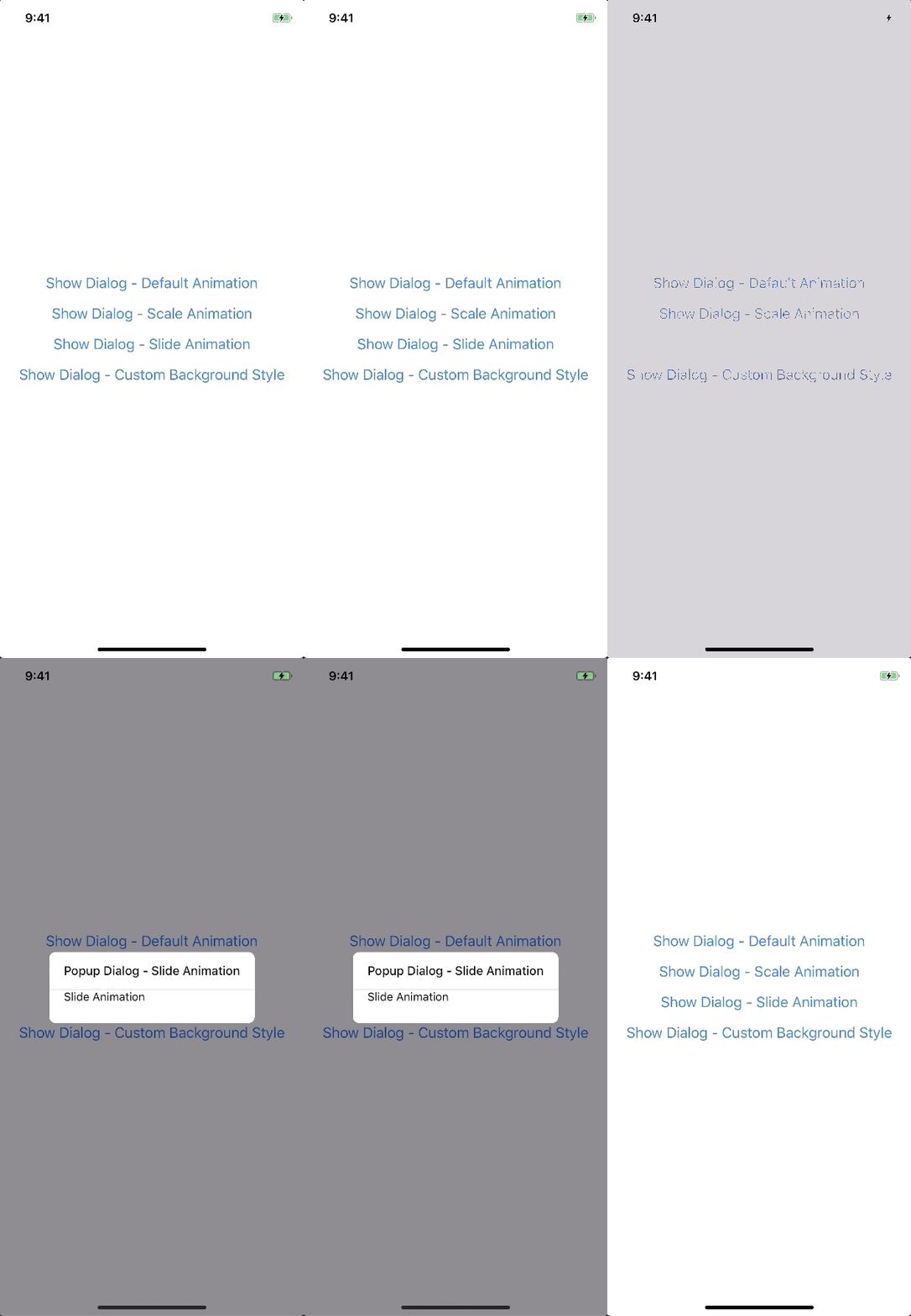
A lot of backward incompatible changes in v0.22.0. Please, Read the Docs before upgrading to v0.22.0
npm install --save react-native-modals
# OR
yarn add react-native-modals
- Modal
- ButtomModal
- ModalPortal
- Backdrop
- ModalButton
- ModalContent
- ModalTitle
- ModalFooter
- Animation
- FadeAnimation
- ScaleAnimation
- SlideAnimation
- DragEvent,
- SwipeDirection,
- ModalProps
- ModalFooterProps
- ModalButtonProps
- ModalTitleProps
- ModalContentProps
- BackdropProps
Example
Setup - this is essential step
The Component can not be used until ModalPortal is mounted.
You should register in your app root. For example:
import { ModalPortal } from 'react-native-modals';
import { Provider } from 'react-redux';

const Root = () => {
  return (
    <Provider store={store}>
      <App />
      <ModalPortal />
    </Provider>
  );
}import { Modal, ModalContent } from 'react-native-modals';
import { Button } from 'react-native'
<View style={styles.container}>
<Button
title="Show Modal"
onPress={() => {
this.setState({ visible: true });
}}
/>
<Modal
visible={this.state.visible}
onTouchOutside={() => {
this.setState({ visible: false });
}}
>
<ModalContent>
{...}
</ModalContent>
</Modal>
</View>show
import { ModalPortal } from 'react-native-modals';

const id = ModalPortal.show((
  <View>
    {...}
  </View>
));
update
ModalPortal.update(id, {
  children: (
    <View>
      <Text>Updated</Text>
    </View>
  ),
});
dismiss
dismissAll
ModalPortal.dismissAll(id);
import { Modal, SlideAnimation, ModalContent } from 'react-native-modals';

<View style={styles.container}>
  <Modal
    visible={this.state.visible}
    modalAnimation={new SlideAnimation({
      slideFrom: 'bottom',
    })}
  >
    <ModalContent>
      {...}
    </ModalContent>
  </Modal>
</View>import { Modal, ModalContent } from 'react-native-modals';
import { Button } from 'react-native'
<View style={styles.container}>
<Modal
visible={this.state.visible}
swipeDirection={['up', 'down']} // can be string or an array
swipeThreshold={200} // default 100
onSwipeOut={(event) => {
this.setState({ visible: false });
}}
>
<ModalContent>
{...}
</ModalContent>
</Modal>
</View>import { Modal, ModalTitle, ModalContent } from 'react-native-modals';
<View style={styles.container}>
<Modal
visible={this.state.visible}
modalTitle={<ModalTitle title="Modal Title" />}
>
<ModalContent>
{...}
</ModalContent>
</Modal>
</View>import { Modal, ModalFooter, ModalButton, ModalContent } from 'react-native-modals';
<View style={styles.container}>
<Modal
visible={this.state.visible}
footer={
<ModalFooter>
<ModalButton
text="CANCEL"
onPress={() => {}}
/>
<ModalButton
text="OK"
onPress={() => {}}
/>
</ModalFooter>
}
>
<ModalContent>
{...}
</ModalContent>
</Modal>
</View>
| Prop |
Type |
Default |
Note |
visible |
boolean |
false |
|
rounded |
boolean |
true |
|
useNativeDriver |
boolean |
true |
|
children |
any |
|
|
modalTitle? |
React Element |
|
You can pass a modalTitle component or pass a View for customizing titlebar |
width? |
Number |
Your device width |
The Width of modal, you can use fixed width or use percentage. For example 0.5 it means 50% |
height? |
Number |
300 |
The Height of modal, you can use fixed height or use percentage. For example 0.5 it means 50% |
modalAnimation? |
|
FadeAnimation |
animation for modal |
modalStyle? |
any |
|
|
containerStyle? |
any |
null |
For example: { zIndex: 10, elevation: 10 } |
animationDuration? |
Number |
200 |
|
overlayPointerEvents? |
String |
|
Available option: auto, none |
overlayBackgroundColor? |
String |
#000 |
|
overlayOpacity? |
Number |
0.5 |
|
hasOverlay? |
Boolean |
true |
|
onShow? |
Function |
|
You can pass shown function as a callback function, will call the function when modal shown |
onDismiss? |
Function |
|
You can pass onDismiss function as a callback function, will call the function when modal dismissed |
onTouchOutside? |
Function |
() => {} |
|
onHardwareBackPress? |
Function |
() => true |
Handle hardware button presses |
onMove? |
Function |
() => {} |
|
onSwiping? |
Function |
() => {} |
|
onSwipeRelease? |
Function |
() => {} |
|
onSwipingOut? |
Function |
() => {} |
|
onSwipeOut? |
Function |
|
|
swipeDirection? |
string or Array<string> |
[] |
Available option: up, down, left, right |
swipeThreshold? |
number |
100 |
|
footer? |
React Element |
null |
for example: <View><Button text="DISMISS" align="center" onPress={() => {}}/></View> |
| Prop |
Type |
Default |
Note |
title |
String |
|
|
style? |
any |
null |
|
textStyle? |
any |
null |
|
align? |
String |
center |
Available option: left, center, right |
hasTitleBar? |
Bool |
true |
|
| Prop |
Type |
Default |
Note |
children |
any |
|
|
style? |
any |
null |
|
| Prop |
Type |
Default |
Note |
children |
ModalButton |
|
|
bordered? |
Boolean |
true |
|
style? |
any |
null |
|
| Prop |
Type |
Default |
Note |
text |
String |
|
|
onPress |
Function |
|
|
align? |
String |
center |
Available option: left, center, right |
style? |
any |
null |
|
textStyle? |
any |
null |
|
activeOpacity? |
Number |
0.6 |
|
disabled? |
Boolean |
false |
|
bordered? |
Boolean |
false |
|
| Prop |
Type |
Default |
Note |
visible |
Boolean |
|
|
opacity |
Number |
0.5 |
|
onPress? |
Function |
|
|
backgroundColor? |
string |
#000 |
|
animationDuration? |
Number |
200 |
|
pointerEvents? |
String |
null |
Available option: auto, none |
useNativeDriver? |
Boolean |
true |
|
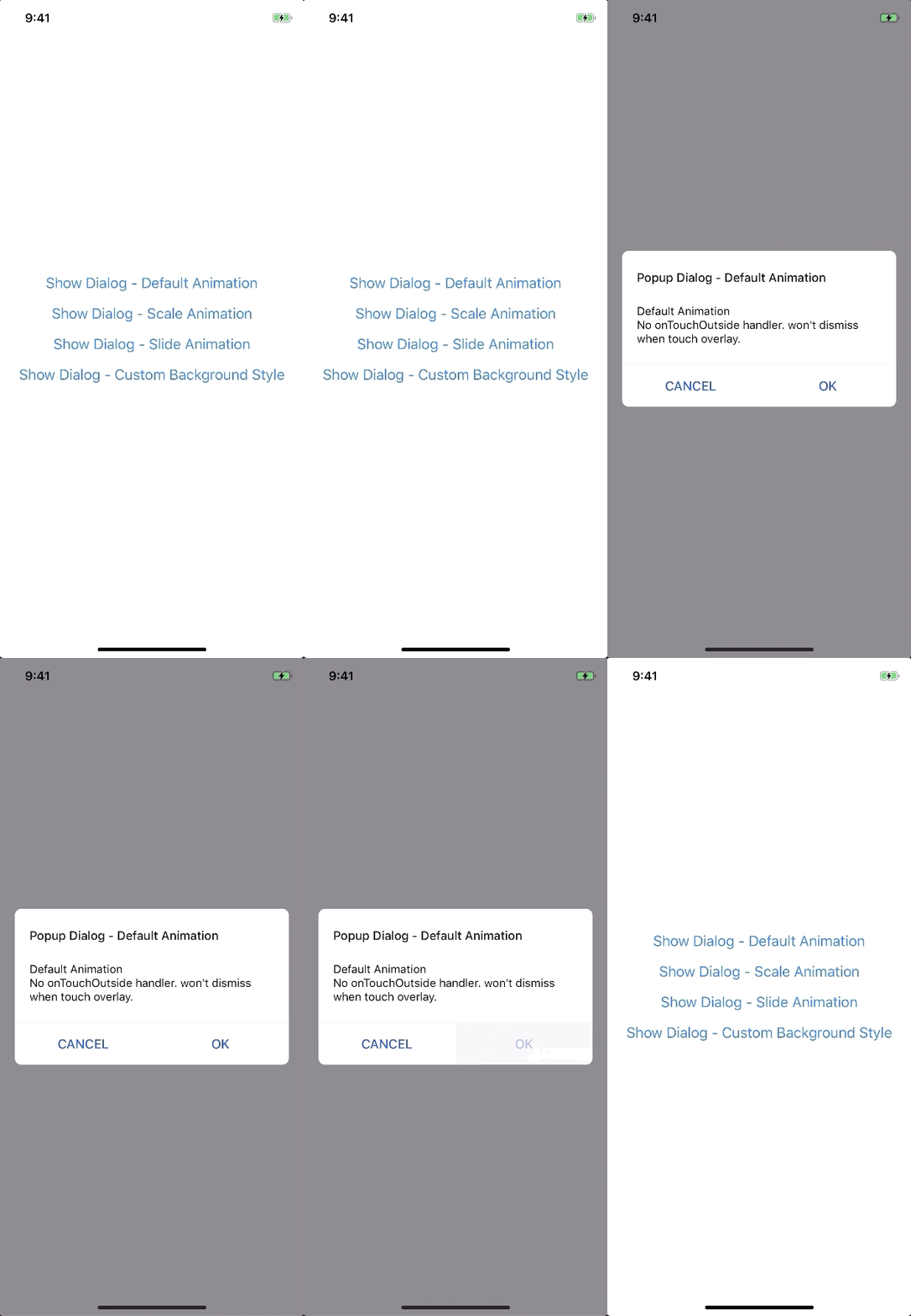
new FadeAnimation({
  initialValue: 0, // optional
  animationDuration: 150, // optional
  useNativeDriver: true, // optional
})
| Param |
Type |
Default |
Note |
initialValue |
Number |
0 |
|
animationDuration? |
Number |
150 |
|
useNativeDriver? |
Boolean |
true |
|
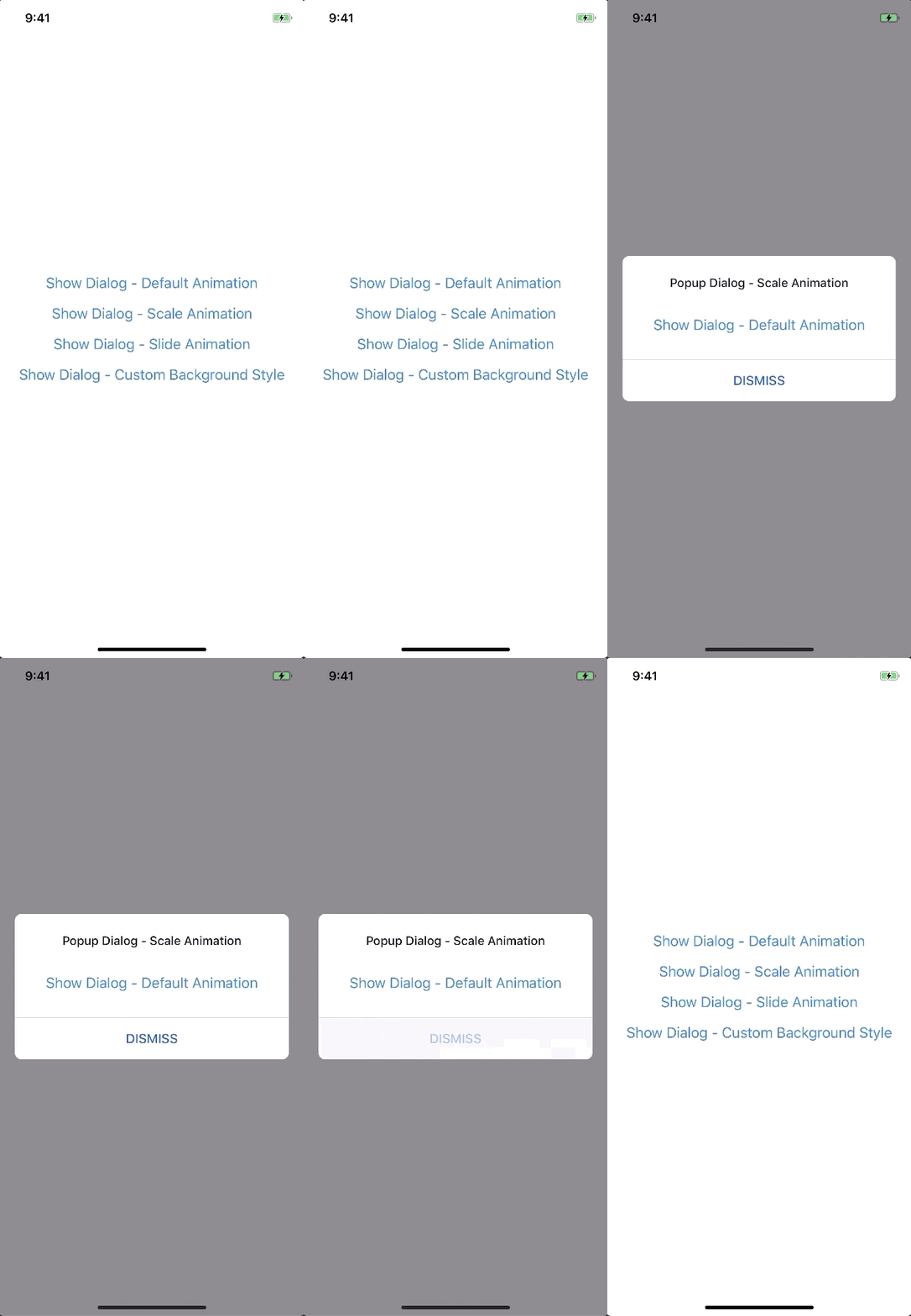
new ScaleAnimation({
  initialValue: 0, // optional
  useNativeDriver: true, // optional
})
| Param |
Type |
Default |
Note |
initialValue |
Number |
0 |
|
useNativeDriver |
Boolean |
true |
|
new SlideAnimation({
  initialValue: 0, // optional
  slideFrom: 'bottom', // optional
  useNativeDriver: true, // optional
})
| Param |
Type |
Default |
Note |
initialValue |
Number |
0 |
|
slideFrom |
String |
bottom |
Available option: top, bottom, left, right |
useNativeDriver |
Boolean |
true |
|
Create your custom animation
import { Animated } from 'react-native';
import { Animation } from 'react-native-modals';

class CustomAnimation extends Animation {
  in(onFinished) {
    Animated.spring(this.animate, {
      toValue: 1,
      useNativeDriver: this.useNativeDriver,
    }).start(onFinished);
  }

  out(onFinished) {
    Animated.spring(this.animate, {
      toValue: 0,
      useNativeDriver: this.useNativeDriver,
    }).start(onFinished);
  }

  getAnimations() {
    return {
      transform: [{
        translateY: this.animate.interpolate({
          inputRange: [0, 1],
          outputRange: [800, 1],
        }),
      }],
    };
  }
}yarn
yarn run build
yarn test

