Building a Full Stack Polls app similar to twitter polls with Spring Boot, Spring Security, JWT, React and Ant Design
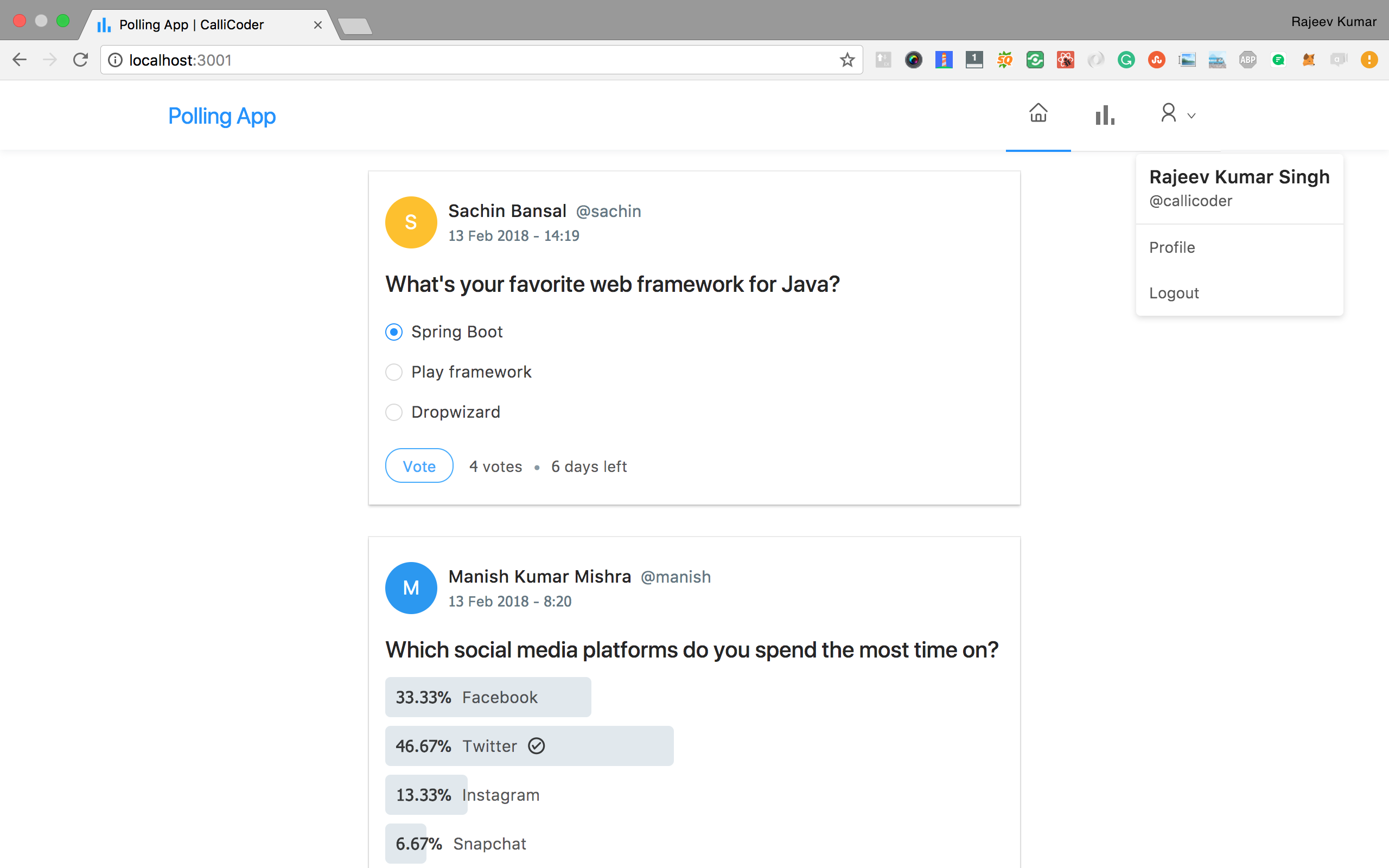
I've written a complete tutorial series for this application on The CalliCoder Blog -
Steps to Setup the Spring Boot Back end app (polling-app-server)
-
Clone the application
git clone https://github.com/callicoder/spring-security-react-ant-design-polls-app.git
cd polling-app-server
-
Create MySQL database
create database polling_app
-
Change MySQL username and password as per your MySQL installation
-
Run the app
You can run the spring boot app by typing the following command -
The server will start on port 8080.
You can also package the application in the form of a jar file and then run it like so -
mvn package
java -jar target/polls-0.0.1-SNAPSHOT.jar
-
Default Roles
The spring boot app uses role based authorization powered by spring security. To add the default roles in the database, I have added the following sql queries in src/main/resources/data.sql file. Spring boot will automatically execute this script on startup -
INSERT IGNORE INTO roles(name) VALUES('ROLE_USER');
INSERT IGNORE INTO roles(name) VALUES('ROLE_ADMIN');
Any new user who signs up to the app is assigned the ROLE_USER by default.
Steps to Setup the React Front end app (polling-app-client)
First go to the polling-app-client folder -
Then type the following command to install the dependencies and start the application -
The front-end server will start on port 3000.


