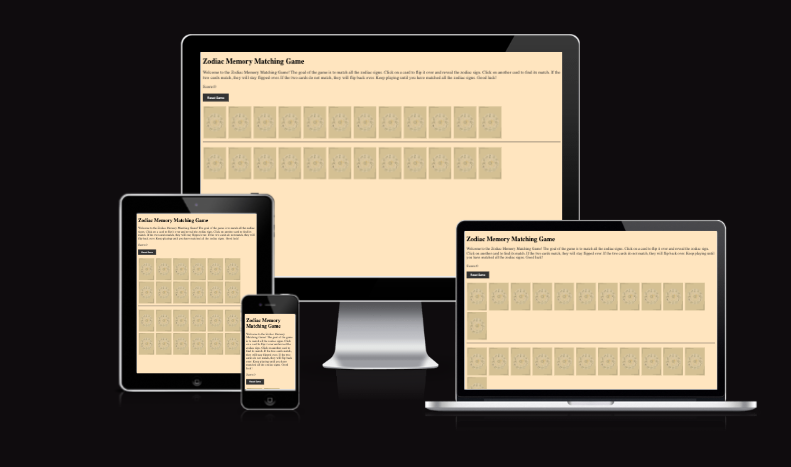
Zodiac Memory Matching Game
The Zodiac Memory Matching Game is a fun and interactive game where players match zodiac-themed cards. The game challenges your memory by having you flip one card from the top row and one from the bottom row, aiming to find pairs that match.
- Flip one card from the top row by clicking on it.
- Flip one cards from the bottom row to try to match it with the first card from the top row
- If the two cards don't match:
- The cards flip back after a short delay.
- Player has to try again
- If the two cards match:
- Player scores a point.
- The cards remain flipped.
- The game continues until all pairs are matched.
- As a player, I want to flip a card and reveal a zodiac symbol so I can try to find its match.
- As a player, I want to match a card from the top row with one from the bottom to score a point.
- As a player, I want visual feedback and popups when I find a match so I feel rewarded.
- As a player, I want to reset the game and try again when I want.
- As a player, I want the game to work on my mobile device, tablet, and computer.
| User Story |
Tested Feature |
Expected Result |
Actual Result |
Pass/Fail |
| Flip a card and see the zodiac |
Button Click |
Clicking a card flips it to show zodiac |
Works as expected |
✅ Pass |
| Match top row to bottom row |
Matching logic |
Only cards from different rows can match |
Works as expected |
✅ Pass |
| Get feedback after match |
Modal Popup |
A modal appears with sign info |
Modal works, minor mobile overflow |
⚠️ Pass with known issue |
Zodiac-Themed cards designed by moi: gives you a good opportunity to learn about astrology and yourself
Memory Challenge: Test your ability to recall card placement.
Responsive Design: works on difeerent devices like mobile phone, desktop and tablets.
Score Tracking: Keeps track of how many matches you've made.
HTML: Structuring the game layout.
CSS: Styling the game interface.
JavaScript: Implement game logic, card flipping, interactivity and match functionality.
| Screenshot |
Description |
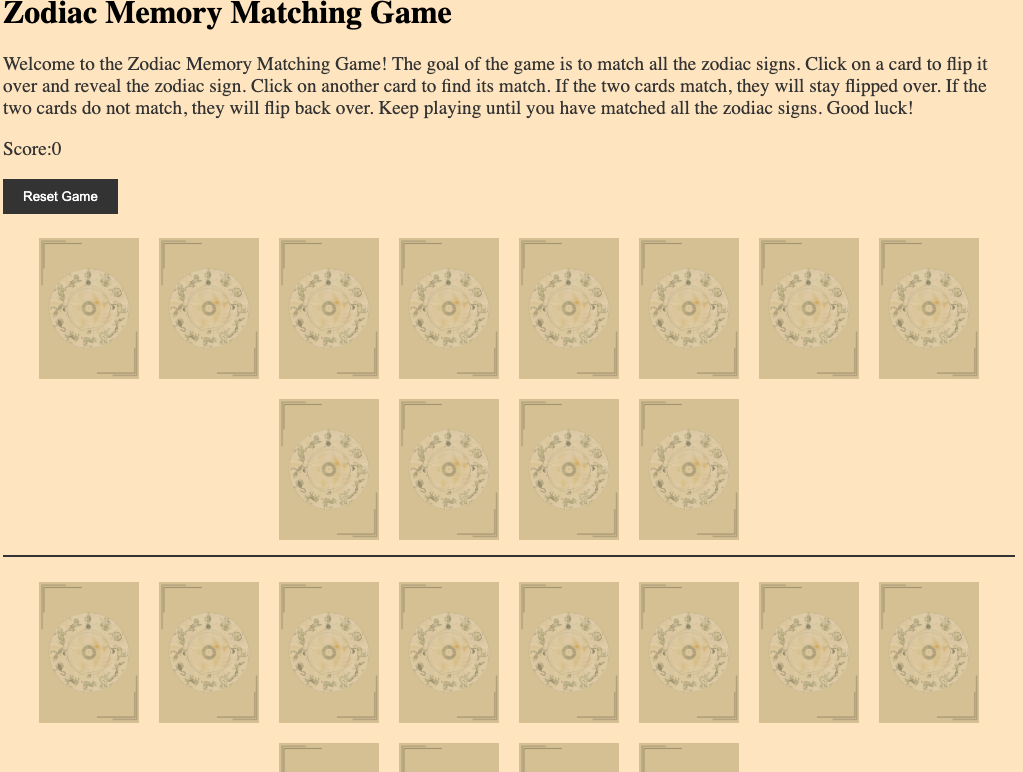 |
The main interface of the Zodiac Memory Game, where players match cards based on zodiac signs. |
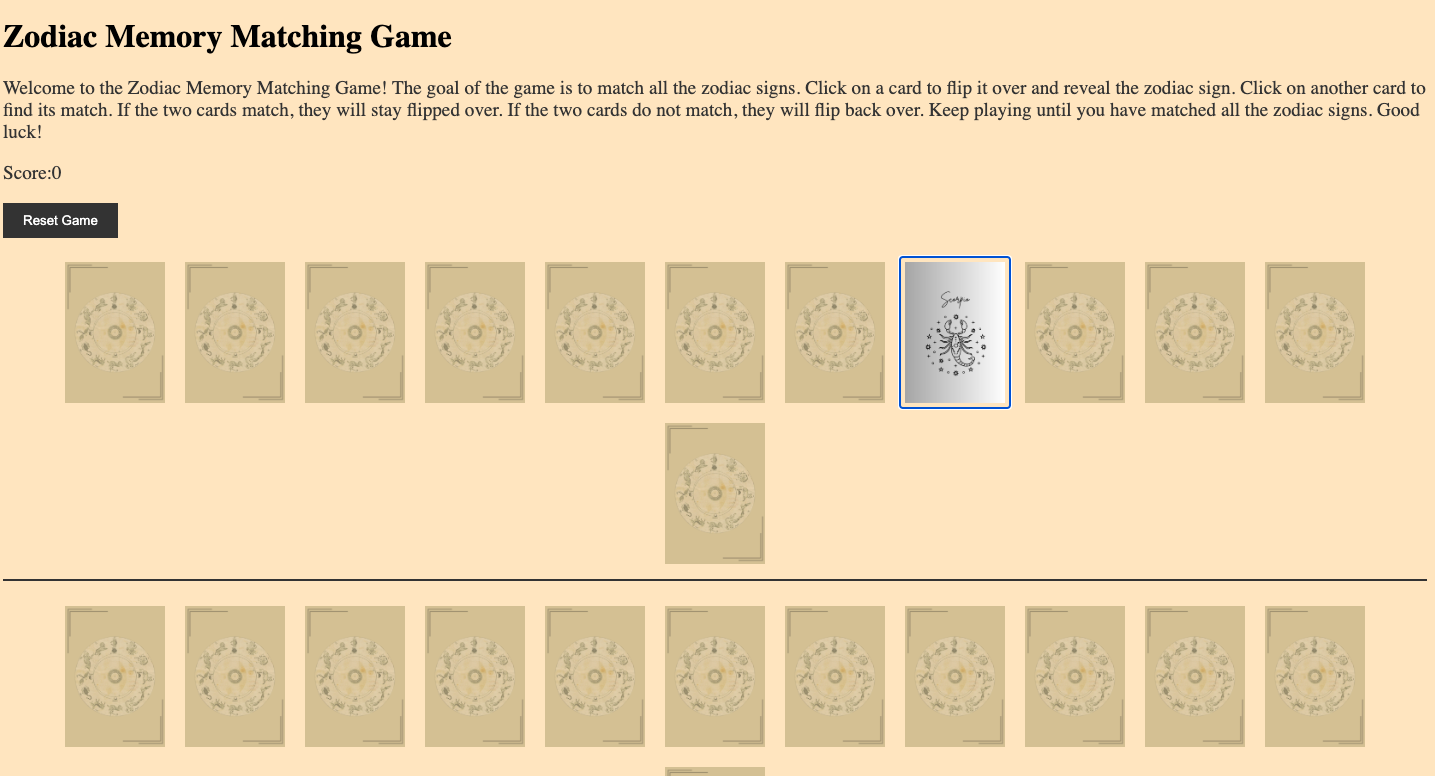 |
A flipped card revealing its zodiac sign after the player clicks on it. |
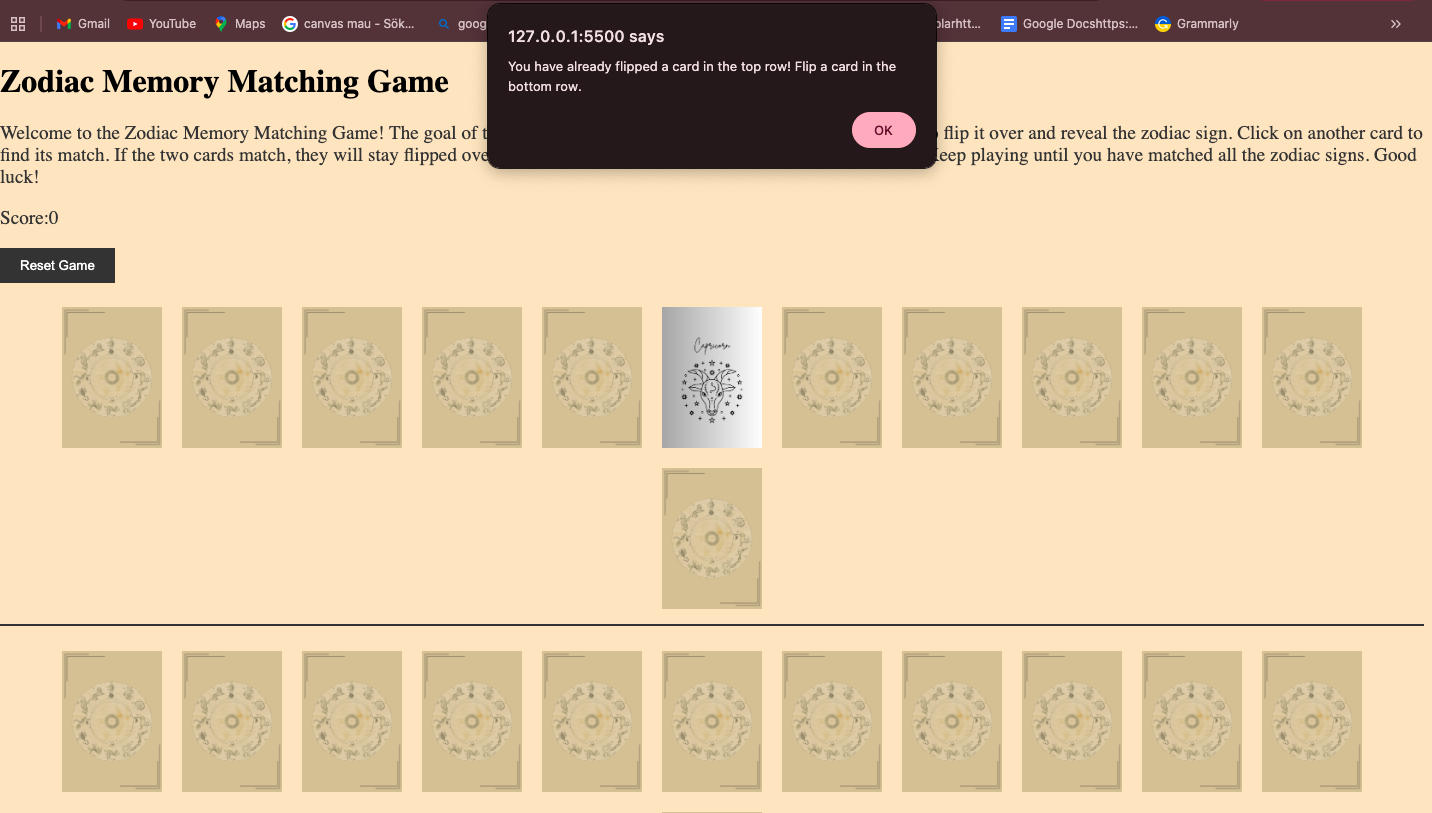 |
An alert appears if the player selects two cards from the same row, enforcing the game rules. |
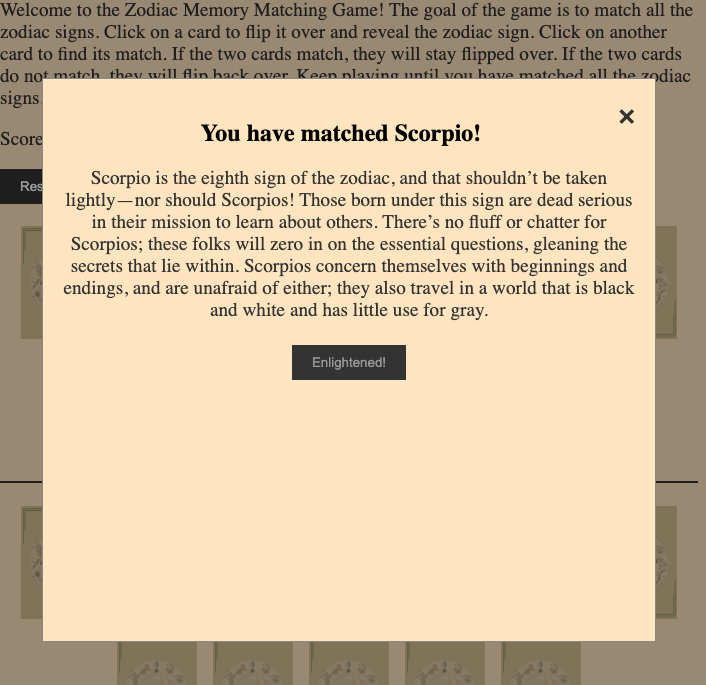 |
A pop-up notification appears when two matching cards are found, updating the score. |
Below you have a table with all the testing I have done on my game.
| Test Type |
Tested Feature |
Expected Result |
Actual Result |
Pass/Fail |
Screenshot |
| HTML |
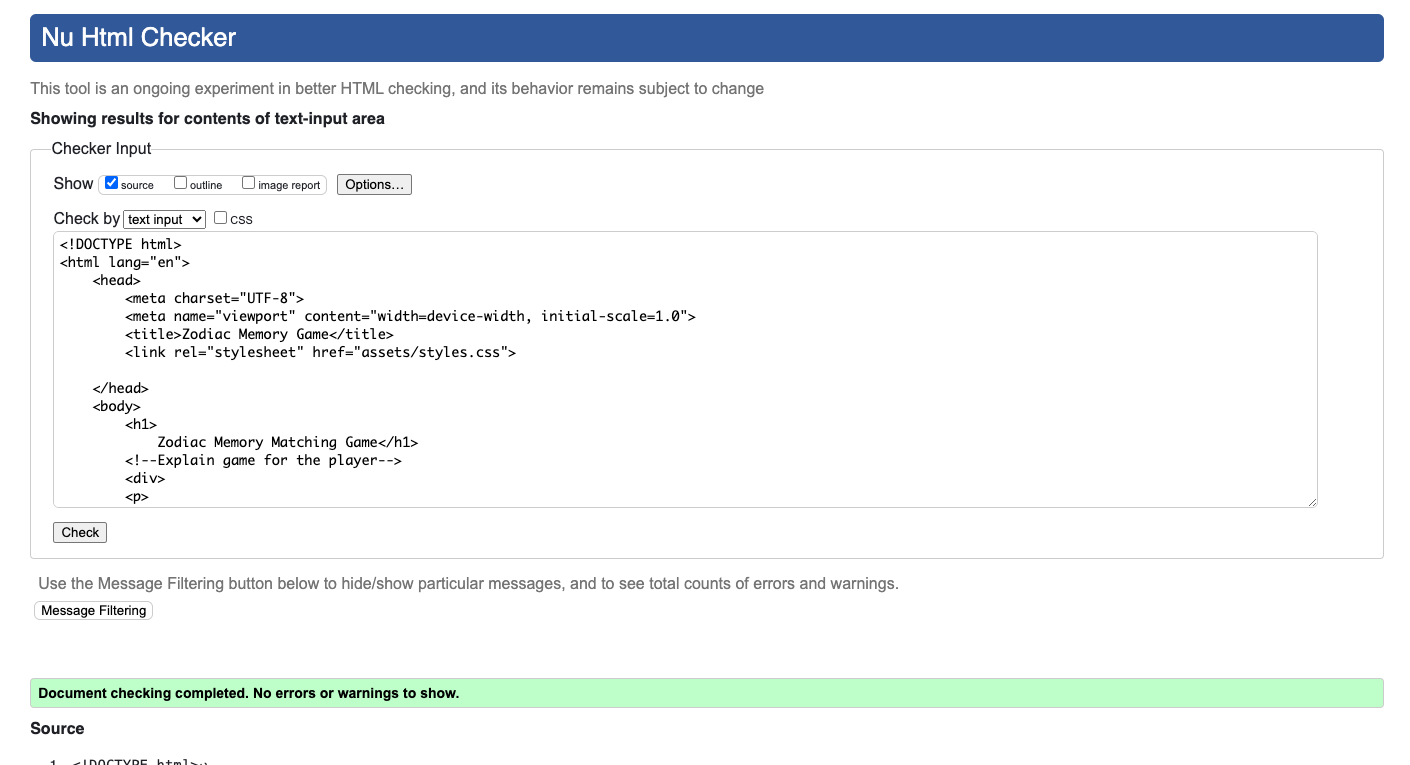
Validate HTML with W3C |
No errors |
No errors |
✅ Pass |
 |
| CSS |
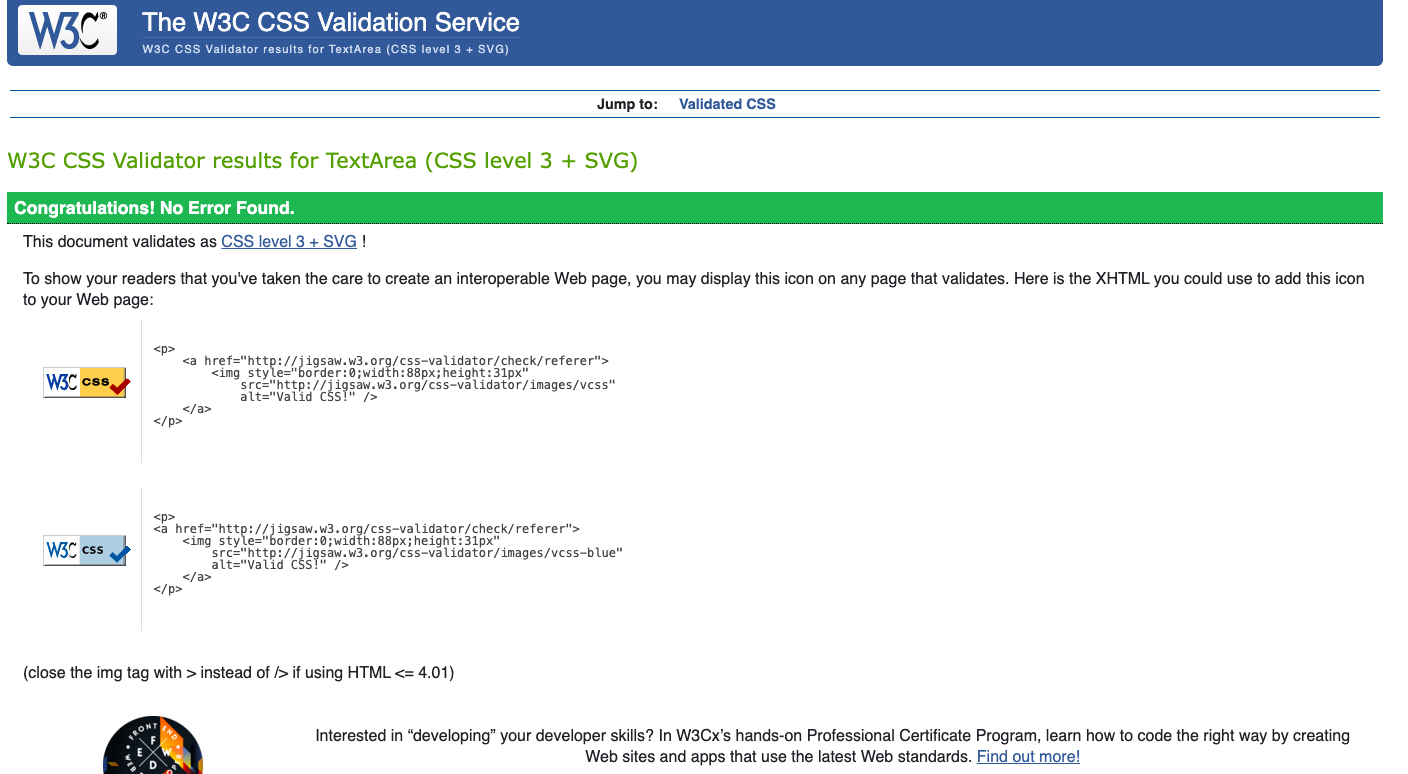
Validate CSS with W3C |
No errors |
No errors |
✅ Pass |
 |
| JavaScript |
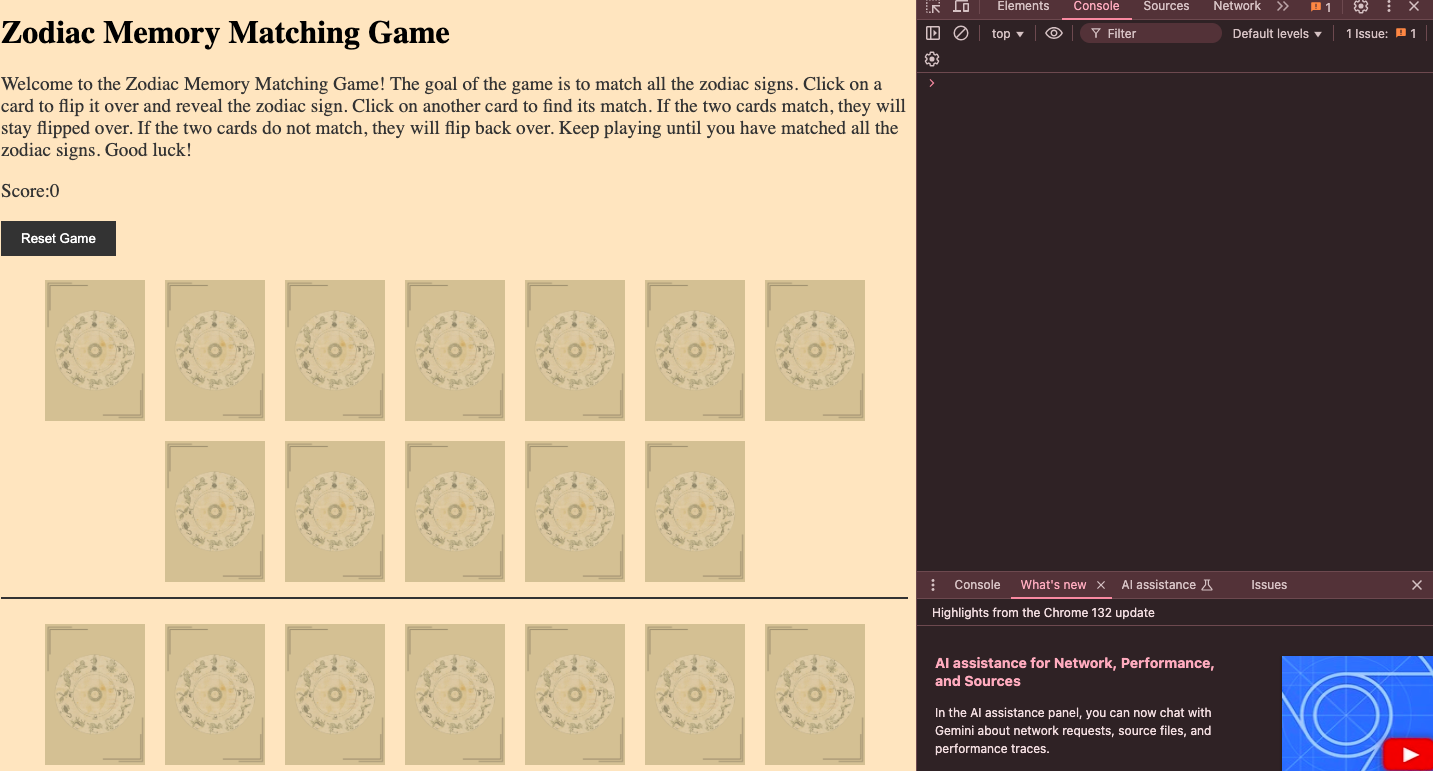
Console Errors |
No console errors in DevTools |
No errors found |
✅ Pass |
 |
| JavaScript |
Button Clicks |
Buttons trigger correct functions |
Buttons work fine |
✅ Pass |
 |
- No issues are noted at this point.
Possible Future Enhacements
- Add a timer to make it more challenging
- Reshuffle cards to make the game more difficult.
- Add more animation for flipping cards for a smoother experience.
- Have the cards come forward to make them readable for the player.
- Zodiac images and cards designed by me on [canva] (https://www.canva.com/).
- Game concept is inspired by the classic memory card game that all of us have played at least once in our life time.
Requirements:
- An IDE of your choice, such as Visual Studio Code or Atom
- Git
- A web browser for testing the project
- Basic knowledge of HTML, CSS, and JavaScript
- Download the project repository here and extract the zip file to your desired location. Alternatively, clone the repository using:
git clone https://github.com/NavyBlue06/project2Zodiacgame.git
- Launch your IDE and open the base directory of the extracted or cloned repository.
- To view the project locally, open the
index.html file in a web browser. Alternatively, if Python is installed, you can serve the project locally by running:
Then, visit http://localhost:8000 in your browser.
- Modify the files as needed to customize or enhance the project.
Requirements:
- Sign in to your GitHub account and go to your repository: https://github.com/NavyBlue06/project2Zodiacgame.
- Ensure all updates are committed and pushed to the main branch.
- Open the Settings page of the repository.
- Scroll down to the Pages section under "Code and automation."
- Under "Source," choose the branch to deploy (e.g.,
main) and select the /root folder.
- Click Save and allow a few moments for GitHub Pages to publish the site.
- Once completed, the site will be accessible at:
https://navyblue06.github.io/project2Zodiacgame/.
Nearly all text content for this project was generated or refined using OpenAI's ChatGPT-4. The AI tool was also instrumental in correcting and generating high-quality textual content to ensure clarity and professionalism.
All media used is my own.
Contact Me:
- 📧 Email: navaheierdal92@outlook.com
- 🐙 GitHub: NavyBlue06
- Clone or download the repo to your local machine:
git clone https://github.com/NavyBlue06/project2game.git ```


